PBRI and BCNC Launch Interprofessional Community Health Management Program
26 October 20260 views
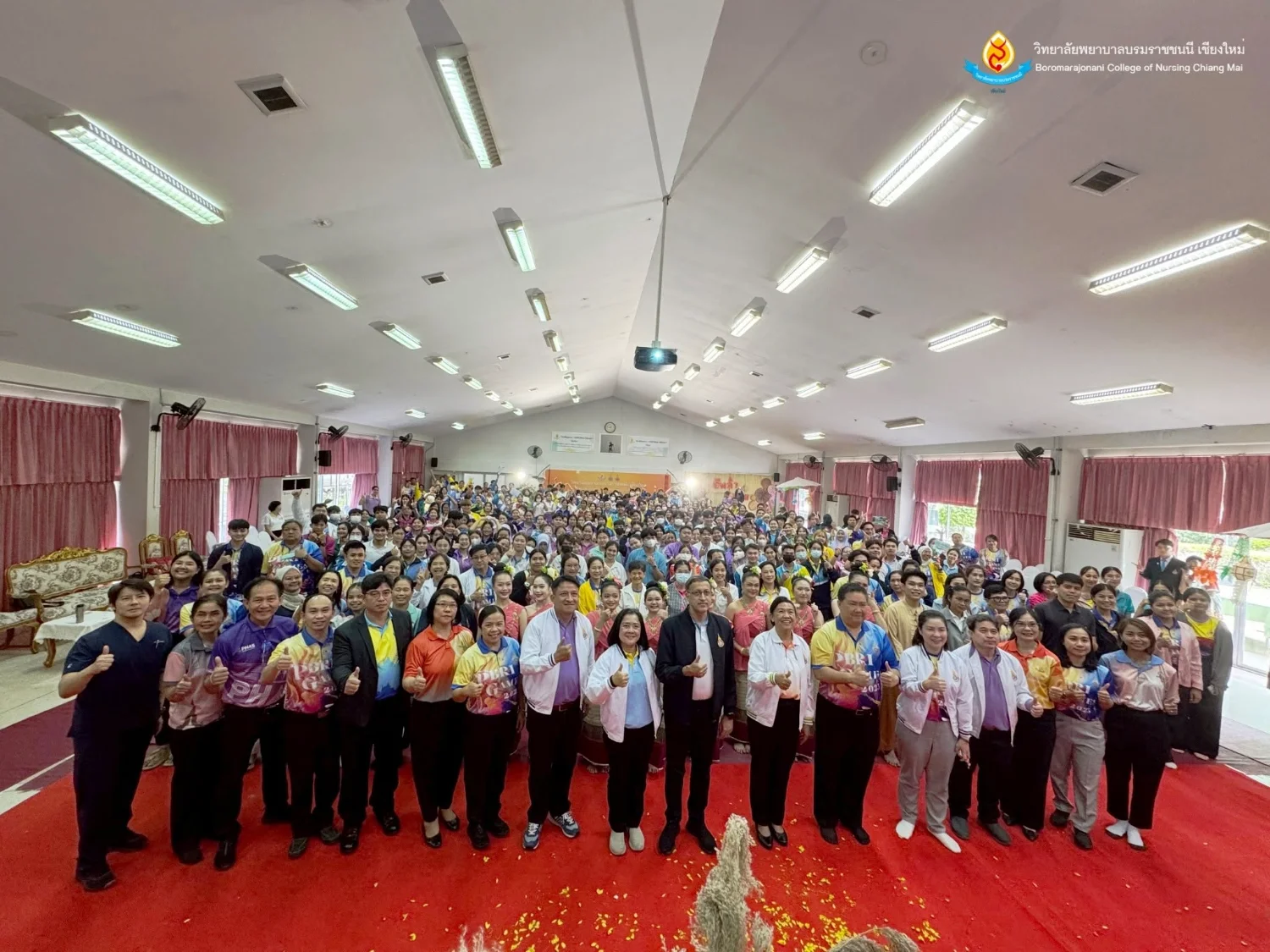
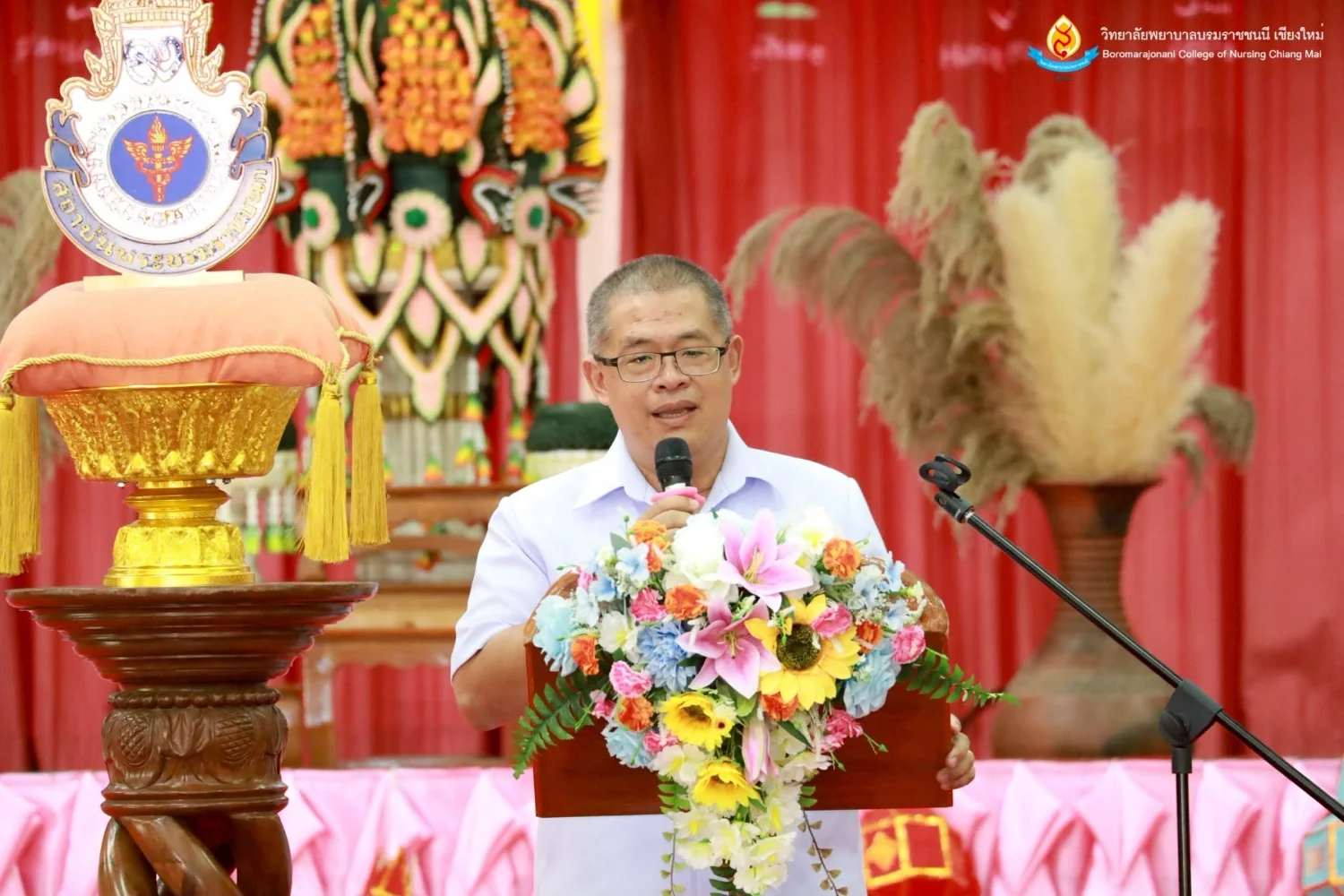
The Student Affairs Division of Praboromarajchanok Institute and Boromarajonani College of Nursing, Chiang Mai organized a program to strengthen community health management competencies through interprofessional education based on the PBRI Model for primary healthcare. The program ran from 29 April–10 May 2025 in Mae Hong Son, with an opening ceremony and activities at the college on 29 April. The ceremony featured a procession carrying the national flag, PBRI flag, flags of the Faculties of Nursing, Medicine, and Public Health and Allied Health Sciences, and flags representing all 42 PBRI colleges. Mr. Ekkawit Meepian, Governor of Mae Hong Son, welcomed executives, lecturers, and student participants. Mr. Dusit Sakunpiyathawan, Director of the PBRI Student Affairs Division, reported the project’s objectives, and Dr. Rayin Arora, Vice President of PBRI, formally opened the program. Dr. Warinthep Chueasamran, Public Health Supervisor for Health Region 1, and Mr. Surasit Thiamthip, Deputy Chiang Mai Provincial Chief Medical Officer, offered advice and encouragement on interprofessional learning. Dr. Thotsaphon Ditsiri, Mae Hong Son Provincial Chief Medical Officer, advised on field practice, site readiness, local data preparation, and field mentors. College Director Asst. Prof. Dr. Amavasee Ampansirirat welcomed participants. Lecturers Nutcharin Phanbunpluk and Oranong Phakphitcharoen facilitated group activities and analysis of simulated community health management situations using interprofessional education and the PBRI Model. College students performed a cheerleading routine to ‘Nirat Wiang Phing’ and a cultural performance, ‘Hong Khwan Sali Si Mueang Chiang Mai.’ Dr. Pleumjit Chotiga, Deputy Director for Academic Affairs, lectured on strengthening student and faculty competencies in community health management through interprofessional education based on the PBRI Model for primary healthcare.
Cookies help us provide a better and more convenient browsing experience. By selecting “Accept”, you agree to our use of cookies as described in our Website Policy
and Cookies Policy.
Browser preferences
Cookie Settings
What are cookies?
Small files that help websites remember your preferences. You can review or change how your browser handles them at any time.
Choose your browser to view the instructions
Google Chrome
Manage your cookie preferences
5 steps
Step 1
Open Chrome on your computer.
Step 2
Select the three-dot menu, then choose Settings.
Step 3
Open Privacy and security.
Step 4
Select Third-party cookies.
Step 5
Choose the option that matches your preference.
Microsoft Edge
Manage your cookie preferences
5 steps
Step 1
Open Microsoft Edge on your computer.
Step 2
Select the three-dot menu, then choose Settings.
Step 3
Open Cookies and site permissions.
Step 4
Select Manage and delete cookies and site data.
Step 5
Turn your preferred cookie options on or off.
Mozilla Firefox
Manage your cookie preferences
5 steps
Step 1
Open Firefox on your computer.
Step 2
Select the menu button, then choose Settings.
Step 3
Open Privacy & Security.
Step 4
Go to Cookies and Site Data.
Step 5
Clear data, manage data, or change permissions as needed.
Apple Safari
Manage your cookie preferences
3 steps
Step 1
Open Safari and select Settings.
Step 2
Select the Privacy tab.
Step 3
Choose your website tracking and cookie preferences.
i Browser menus may vary slightly depending on your browser version and device.


 The Nine Doctors pathway from medical training to community care317