BCNC Exchanges Practices to Strengthen Ethics among Faculty, Staff, and Students
26 October 20260 views
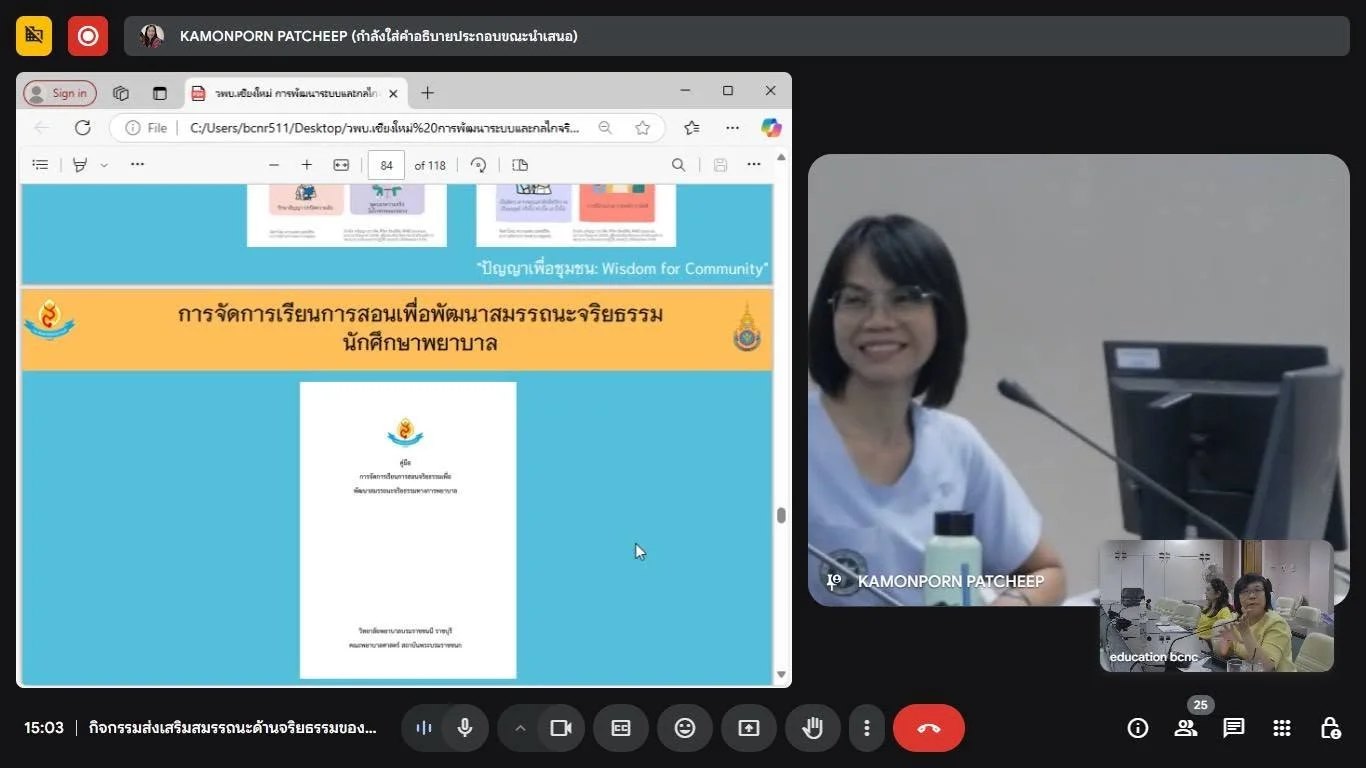
On 28 April 2025, the Curriculum and Educational Management Unit of the Academic Affairs and Educational Quality Assurance Division, Boromarajonani College of Nursing, Chiang Mai, held a knowledge exchange to strengthen ethical competencies among lecturers, staff, and students. Participants joined online via Google Meet and onsite at Thara Huai Kaeo Meeting Room. Director Asst. Prof. Amavasee Ampansirirat welcomed participants and opened the activity. Speakers were Asst. Prof. Chutima Malai, Director of Boromarajonani College of Nursing, Ratchaburi; Jiraporn Anucha, Deputy Director of that college; Asst. Prof. Kamonphon Phaetchip, chair of its Institutional Ethics Committee (IEC); and lecturer Piyanat Changsiang. They discussed developing institutional ethics systems and mechanisms and incorporating ethics into teaching and learning. The activity aimed to improve instruction and extracurricular activities effectively in accordance with professional and institutional standards.
Cookies help us provide a better and more convenient browsing experience. By selecting “Accept”, you agree to our use of cookies as described in our Website Policy
and Cookies Policy.
Browser preferences
Cookie Settings
What are cookies?
Small files that help websites remember your preferences. You can review or change how your browser handles them at any time.
Choose your browser to view the instructions
Google Chrome
Manage your cookie preferences
5 steps
Step 1
Open Chrome on your computer.
Step 2
Select the three-dot menu, then choose Settings.
Step 3
Open Privacy and security.
Step 4
Select Third-party cookies.
Step 5
Choose the option that matches your preference.
Microsoft Edge
Manage your cookie preferences
5 steps
Step 1
Open Microsoft Edge on your computer.
Step 2
Select the three-dot menu, then choose Settings.
Step 3
Open Cookies and site permissions.
Step 4
Select Manage and delete cookies and site data.
Step 5
Turn your preferred cookie options on or off.
Mozilla Firefox
Manage your cookie preferences
5 steps
Step 1
Open Firefox on your computer.
Step 2
Select the menu button, then choose Settings.
Step 3
Open Privacy & Security.
Step 4
Go to Cookies and Site Data.
Step 5
Clear data, manage data, or change permissions as needed.
Apple Safari
Manage your cookie preferences
3 steps
Step 1
Open Safari and select Settings.
Step 2
Select the Privacy tab.
Step 3
Choose your website tracking and cookie preferences.
i Browser menus may vary slightly depending on your browser version and device.


 The Nine Doctors pathway from medical training to community care317