Prachomklao College of Nursing and Budi Luhur Health Sciences Institute Exchange Nursing Knowledge and Culture
7 October 20250 views
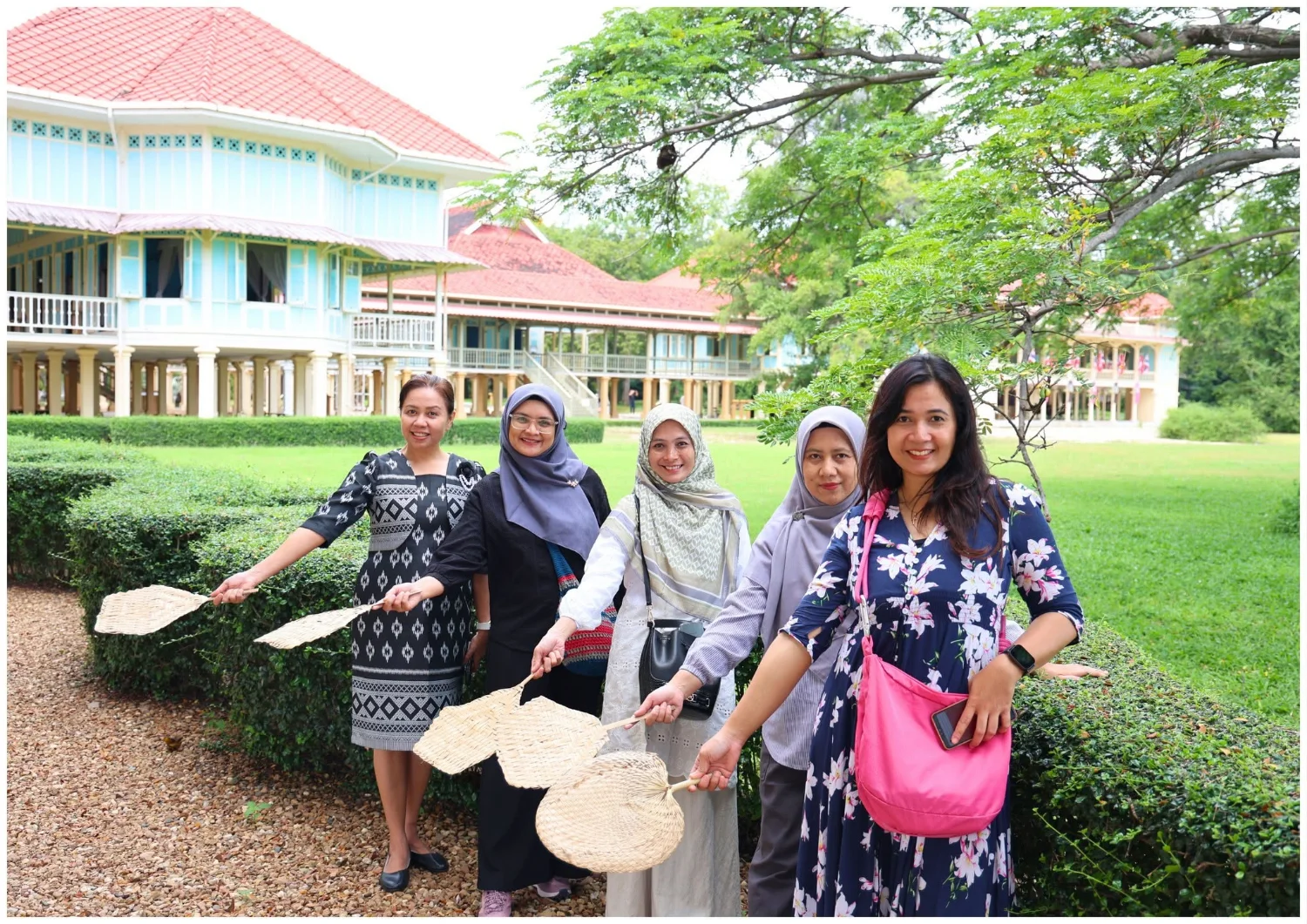
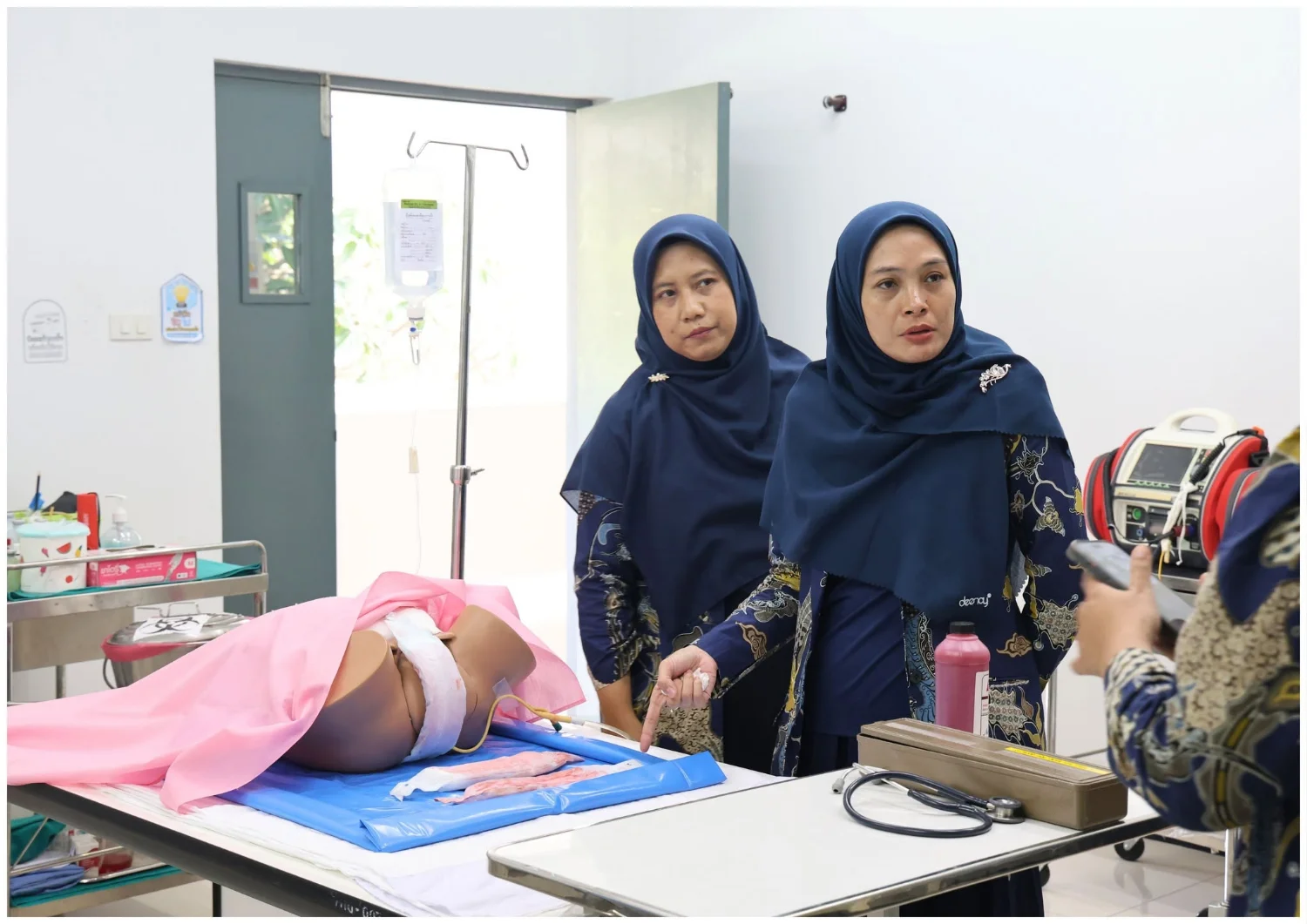
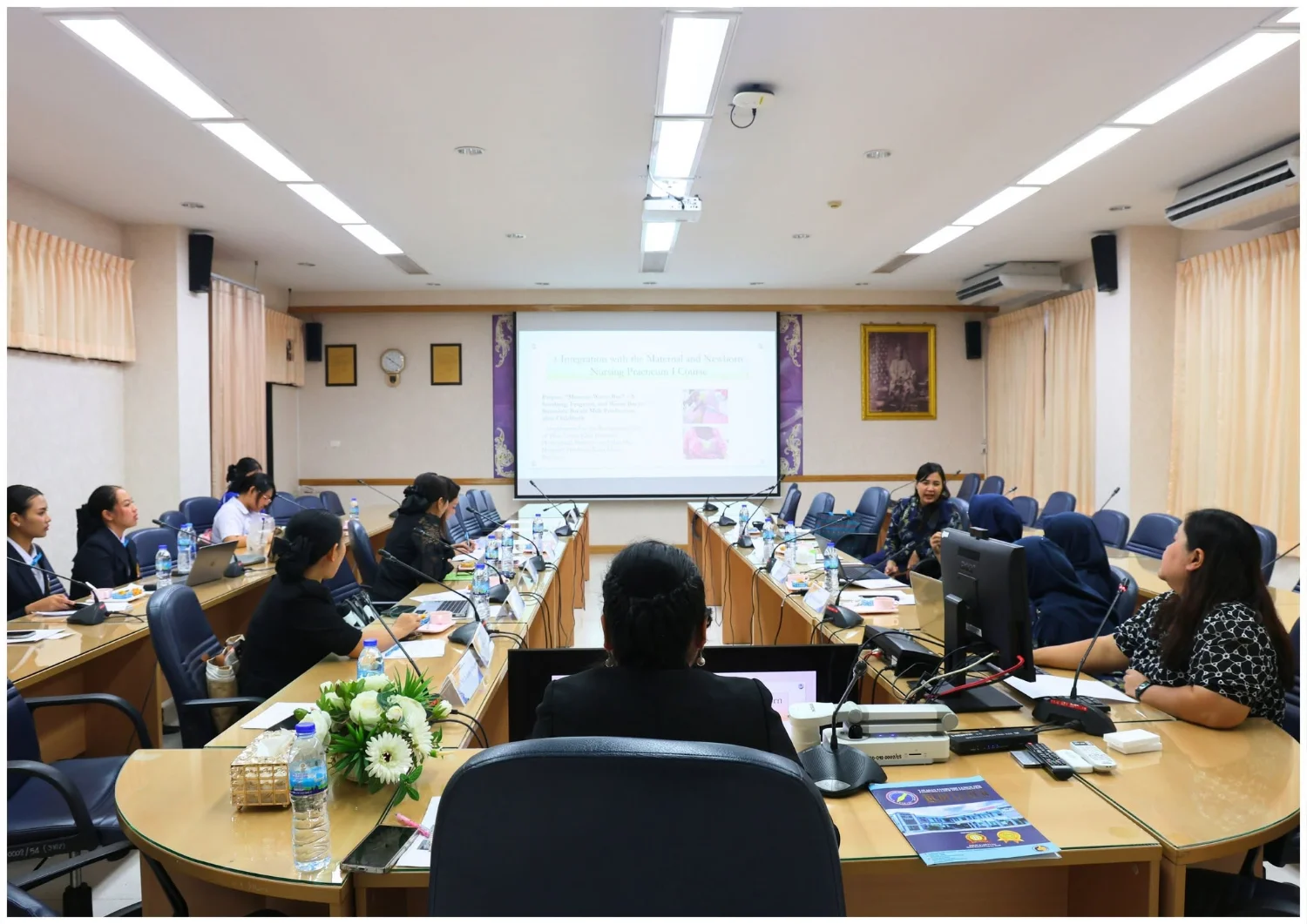
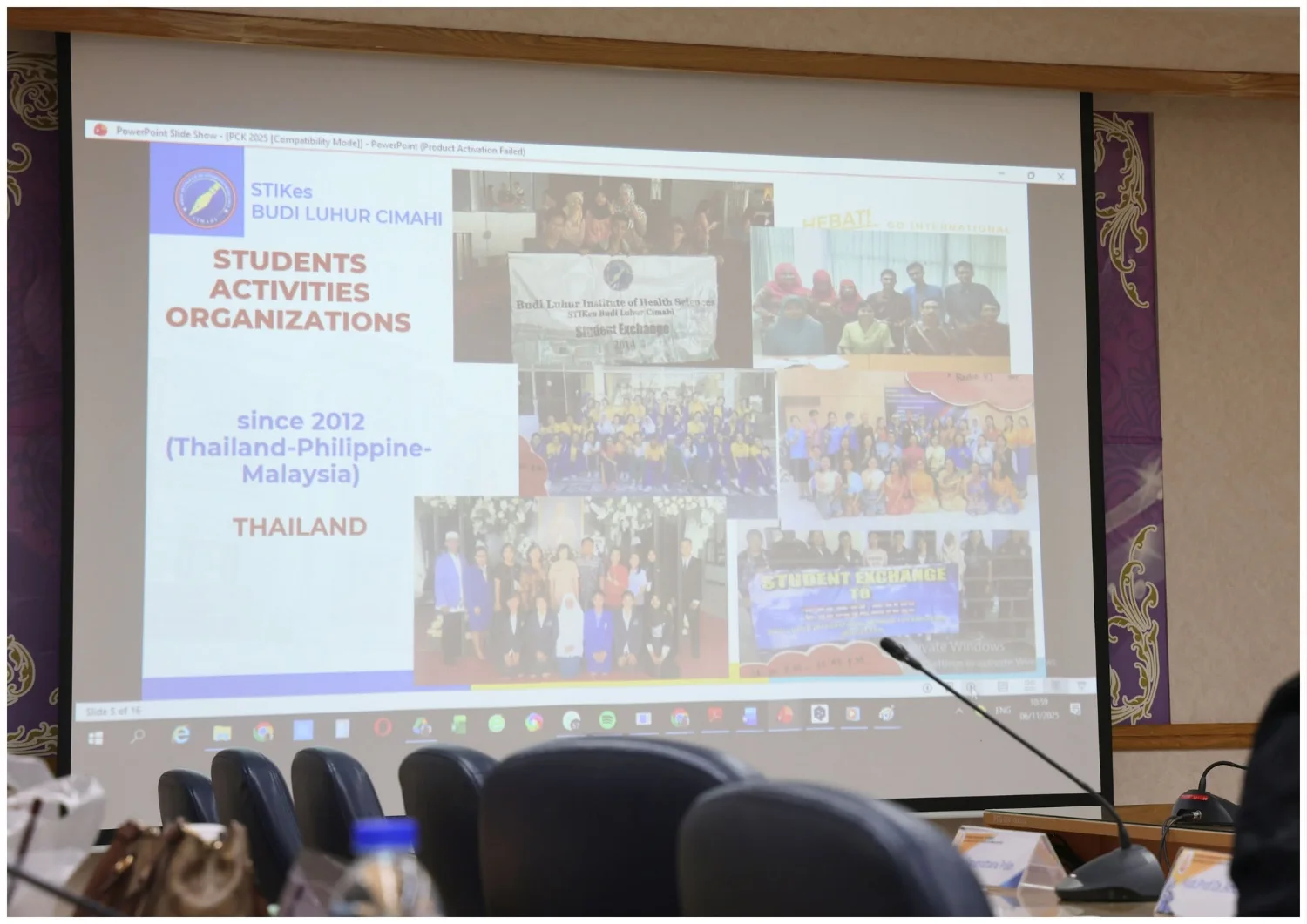
On 6–7 November 2025, Prachomklao College of Nursing, Phetchaburi Province, Faculty of Nursing, Praboromarajchanok Institute, held a Thai–Indonesian knowledge and cultural exchange with Sekolah Tinggi Ilmu Kesehatan Budi Luhur, Indonesia. The activity sought to build ASEAN nursing academic partnerships and enabled faculty members from both institutions to exchange academic and cultural perspectives in a welcoming atmosphere. Activities included presentations on integrating student affairs with arts and culture in both countries; brainstorming on ‘Nursing Research Collaboration in ASEAN’ to plan joint research projects; and sharing teaching experiences using simulation in maternal and infant nursing. The Indonesian delegation also explored Phetchaburi culture through a visit to learn about traditional sugar palm production and tours of Phra Nakhon Khiri, Mrigadayavan Palace, and Phra Ram Ratchaniwet Palace. The exchange strengthened friendship and advanced academic and research partnerships and opportunities for future student exchanges, contributing to higher nursing standards in ASEAN and greater international engagement.
Cookies help us provide a better and more convenient browsing experience. By selecting “Accept”, you agree to our use of cookies as described in our Website Policy
and Cookies Policy.
Browser preferences
Cookie Settings
What are cookies?
Small files that help websites remember your preferences. You can review or change how your browser handles them at any time.
Choose your browser to view the instructions
Google Chrome
Manage your cookie preferences
5 steps
Step 1
Open Chrome on your computer.
Step 2
Select the three-dot menu, then choose Settings.
Step 3
Open Privacy and security.
Step 4
Select Third-party cookies.
Step 5
Choose the option that matches your preference.
Microsoft Edge
Manage your cookie preferences
5 steps
Step 1
Open Microsoft Edge on your computer.
Step 2
Select the three-dot menu, then choose Settings.
Step 3
Open Cookies and site permissions.
Step 4
Select Manage and delete cookies and site data.
Step 5
Turn your preferred cookie options on or off.
Mozilla Firefox
Manage your cookie preferences
5 steps
Step 1
Open Firefox on your computer.
Step 2
Select the menu button, then choose Settings.
Step 3
Open Privacy & Security.
Step 4
Go to Cookies and Site Data.
Step 5
Clear data, manage data, or change permissions as needed.
Apple Safari
Manage your cookie preferences
3 steps
Step 1
Open Safari and select Settings.
Step 2
Select the Privacy tab.
Step 3
Choose your website tracking and cookie preferences.
i Browser menus may vary slightly depending on your browser version and device.


 The Nine Doctors pathway from medical training to community care317