Princess Maha Chakri Sirindhorn Opens Conference Marking 25 Years of Thai–Lao Health Workforce Cooperation
25 April 20250 views
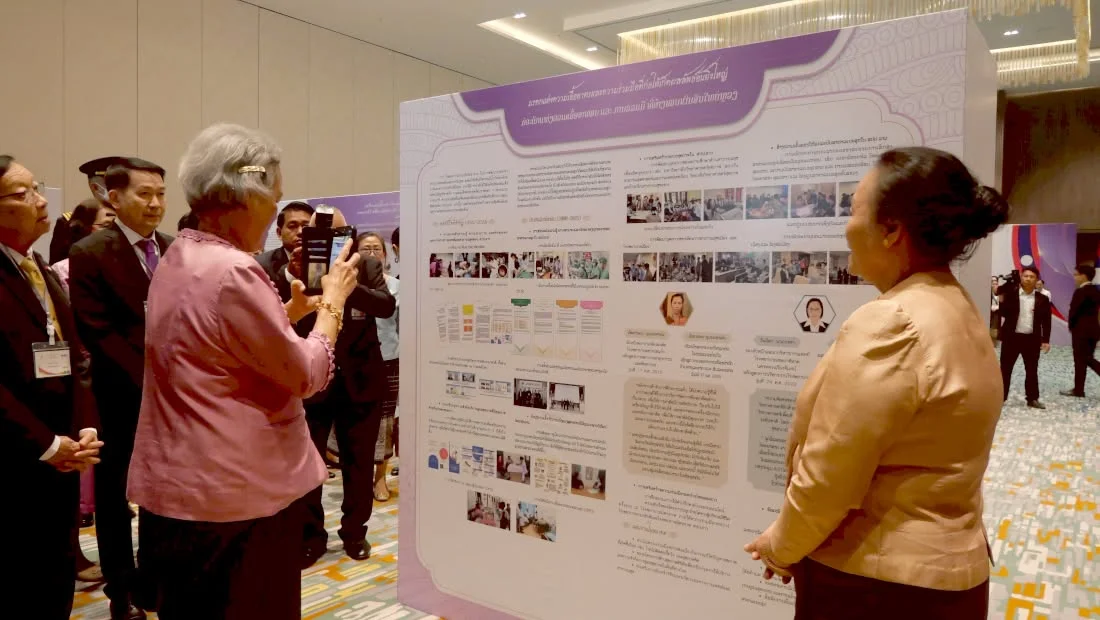
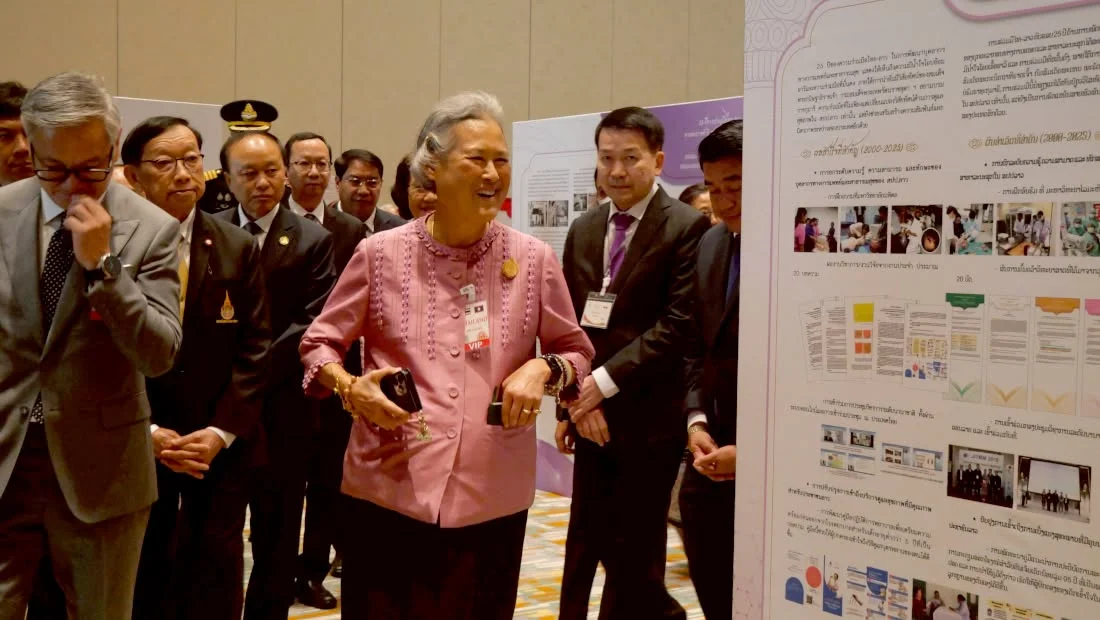
On Tuesday, 22 April 2025 at 9:00 a.m., Her Royal Highness Princess Maha Chakri Sirindhorn presided over the opening of ‘Building Healthier Futures: 25 Years of Thai–Lao Collaboration in Medical and Public Health Capacity Building under the Patronage of Her Royal Highness Princess Maha Chakri Sirindhorn’ at Holiday Inn & Suites Vientiane, Lao People’s Democratic Republic. Prof. Dr. Bounfeng Phoummalaysith, Minister of Health of Lao PDR, and his delegation welcomed Her Royal Highness, together with Prof. Emeritus Kraisid Tantisirin, M.D., advisor to royal initiative projects of Her Royal Highness; Mr. Chulvat Narinthrangura Na Ayudhya, Director-General of the Thailand International Cooperation Agency, Ministry of Foreign Affairs; Prof. Piyamitr Sritara, M.D., President of Mahidol University; and Prof. Vichai Tienthavorn, M.D., Ph.D., President of Praboromarajchanok Institute.
Praboromarajchanok Institute: Advancing health innovation for sustainable quality of life toward a World Class University for Primary Care.
General Affairs Division, Office of the President. Website: https://www.pi.ac.th. Facebook: Praboromarajchanok Institute. YouTube: https://www.youtube.com/@PBRIChannel. TikTok: https://www.tiktok.com/@pbri_moph.
Cookies help us provide a better and more convenient browsing experience. By selecting “Accept”, you agree to our use of cookies as described in our Website Policy
and Cookies Policy.
Browser preferences
Cookie Settings
What are cookies?
Small files that help websites remember your preferences. You can review or change how your browser handles them at any time.
Choose your browser to view the instructions
Google Chrome
Manage your cookie preferences
5 steps
Step 1
Open Chrome on your computer.
Step 2
Select the three-dot menu, then choose Settings.
Step 3
Open Privacy and security.
Step 4
Select Third-party cookies.
Step 5
Choose the option that matches your preference.
Microsoft Edge
Manage your cookie preferences
5 steps
Step 1
Open Microsoft Edge on your computer.
Step 2
Select the three-dot menu, then choose Settings.
Step 3
Open Cookies and site permissions.
Step 4
Select Manage and delete cookies and site data.
Step 5
Turn your preferred cookie options on or off.
Mozilla Firefox
Manage your cookie preferences
5 steps
Step 1
Open Firefox on your computer.
Step 2
Select the menu button, then choose Settings.
Step 3
Open Privacy & Security.
Step 4
Go to Cookies and Site Data.
Step 5
Clear data, manage data, or change permissions as needed.
Apple Safari
Manage your cookie preferences
3 steps
Step 1
Open Safari and select Settings.
Step 2
Select the Privacy tab.
Step 3
Choose your website tracking and cookie preferences.
i Browser menus may vary slightly depending on your browser version and device.


 The Nine Doctors pathway from medical training to community care317