BCNSP Develops Community Nursing Clinic Services through Wound Care Workshop
18 December 20250 views
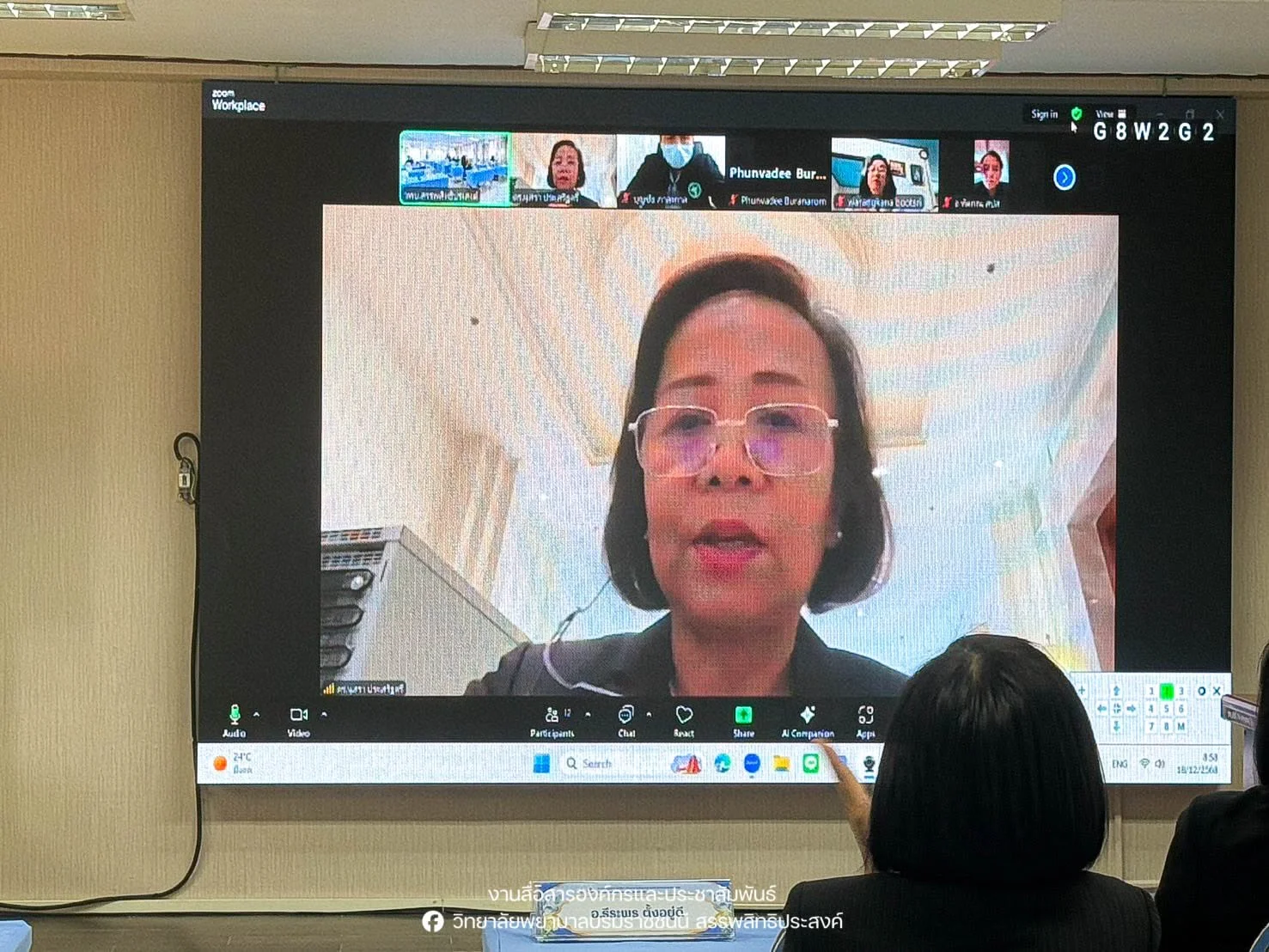
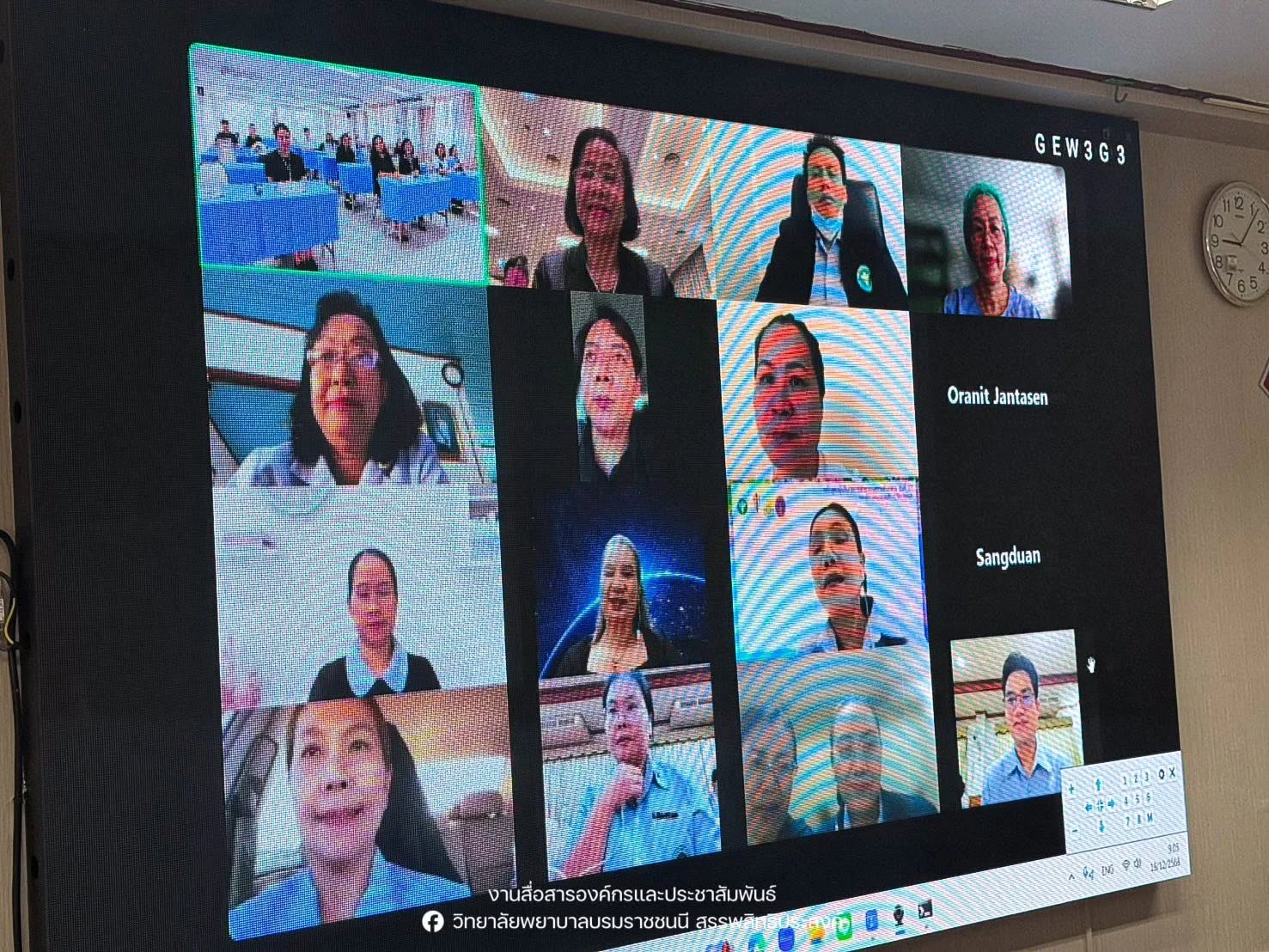
On 18 December 2025, Boromarajonani College of Nursing, Sanpasithiprasong held a workshop on developing business-oriented academic services under the Warm Community Nursing Clinic project. The workshop strengthened nursing personnel’s capabilities in wound care principles, antibiotic selection for different types of wounds, rational drug use (RDU), wound care using alternative medicine, chronic wound care, and management of common conditions in community nursing clinics. It aimed to improve the efficiency and comprehensiveness of the clinic’s public healthcare services. Speakers included Dr. Amornrat Thephakon, Deputy Director for Primary Care Services at Sunpasitthiprasong Hospital; Dr. Sumonman Saenthaweesuk; pharmacist Thip-anong Ketchan; and lecturers Jintana Bunthiam and Theeraphon Tangyudi. Director Dr. Nusara Prasertsri outlined policy for the Warm Community Nursing Clinic at Satta Ubon Meeting Room. Reported by the college’s Corporate Communications and Public Relations Unit.
Cookies help us provide a better and more convenient browsing experience. By selecting “Accept”, you agree to our use of cookies as described in our Website Policy
and Cookies Policy.
Browser preferences
Cookie Settings
What are cookies?
Small files that help websites remember your preferences. You can review or change how your browser handles them at any time.
Choose your browser to view the instructions
Google Chrome
Manage your cookie preferences
5 steps
Step 1
Open Chrome on your computer.
Step 2
Select the three-dot menu, then choose Settings.
Step 3
Open Privacy and security.
Step 4
Select Third-party cookies.
Step 5
Choose the option that matches your preference.
Microsoft Edge
Manage your cookie preferences
5 steps
Step 1
Open Microsoft Edge on your computer.
Step 2
Select the three-dot menu, then choose Settings.
Step 3
Open Cookies and site permissions.
Step 4
Select Manage and delete cookies and site data.
Step 5
Turn your preferred cookie options on or off.
Mozilla Firefox
Manage your cookie preferences
5 steps
Step 1
Open Firefox on your computer.
Step 2
Select the menu button, then choose Settings.
Step 3
Open Privacy & Security.
Step 4
Go to Cookies and Site Data.
Step 5
Clear data, manage data, or change permissions as needed.
Apple Safari
Manage your cookie preferences
3 steps
Step 1
Open Safari and select Settings.
Step 2
Select the Privacy tab.
Step 3
Choose your website tracking and cookie preferences.
i Browser menus may vary slightly depending on your browser version and device.


 The Nine Doctors pathway from medical training to community care317