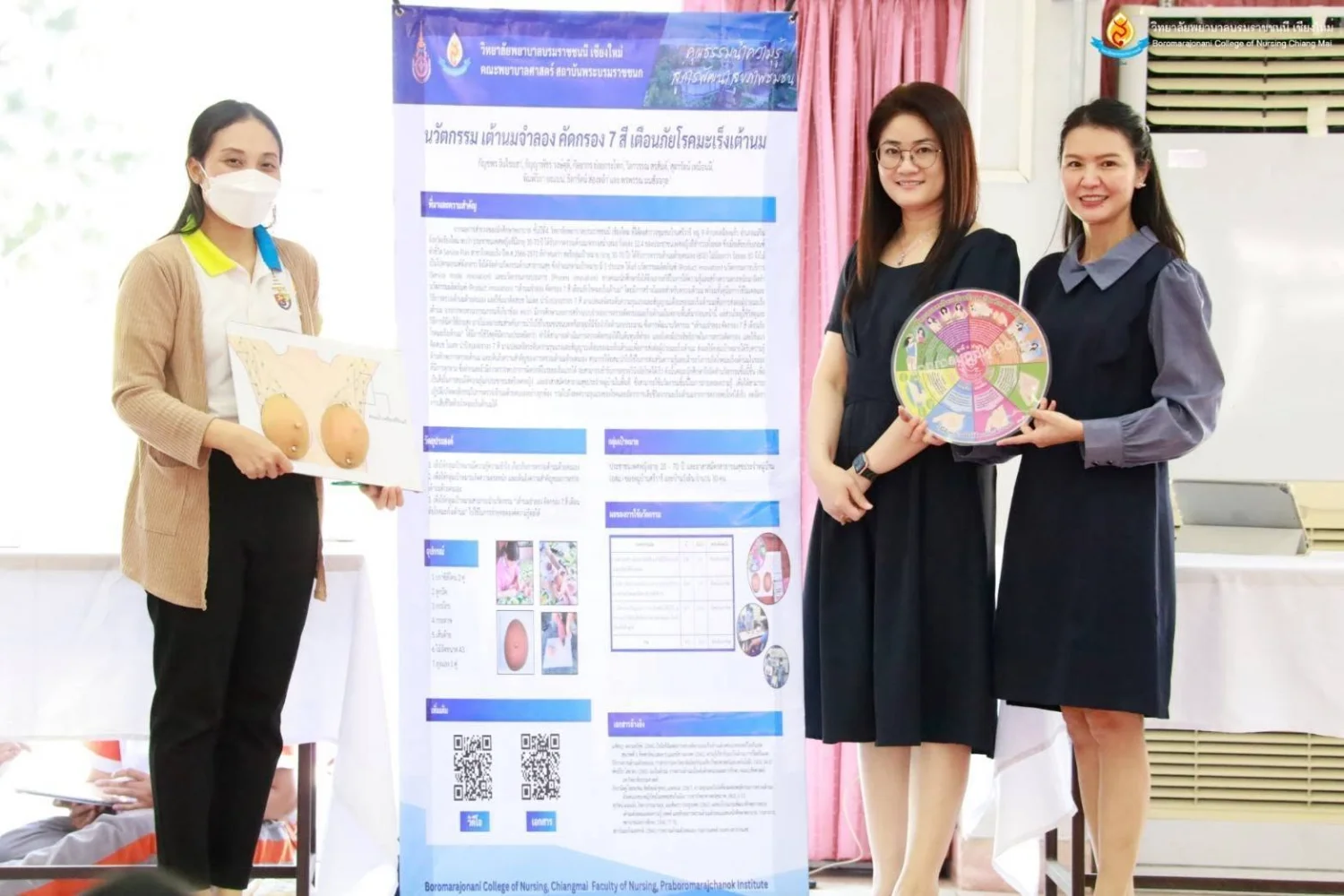
BCNC Share and Learn Showcases Student Research and Nursing Innovations
26 October 20260 views
On 23 January 2025, the Student Affairs Division at Boromarajonani College of Nursing, Chiang Mai organized BCNC Share and Learn for Academic Year 2024. The event aimed to develop students’ academic and professional competencies, strengthen 21st-century learning skills under the “4 Cs for C” framework, and provide opportunities to exchange knowledge about nursing research and innovations developed through their coursework.
Students presented 21 projects, comprising 11 nursing innovation projects in Thai, four nursing research projects in Thai, and six nursing innovation and research projects in English.
External experts served as competition judges, representing the Department of Health; Nakornping Hospital; Suanprung Psychiatric Hospital; Don Kaeo Subdistrict Community Hospital; McCormick Faculty of Nursing, Payap University; Faculty of Nursing, Maejo University; and Faculty of Public Health, Chiang Mai Rajabhat University.
The competition results were as follows:
1. Nursing Innovation and Research Competition — English Category
The first prize went to the research project “Effects of the ‘Power of Loving Yourself’ Program on Self-Esteem among Nursing Students at Boromarajonani College of Nursing,” conducted by third-year students under the supervision of Dr. Somporn Sitthisongkram.
2. Nursing Innovation Competition — Thai Category
The first prize went to “Development of the ‘BCNC Smart IV’ Learning Application for Nursing Students,” developed by third-year students under the supervision of Dr. Ampicha Nawai.
3. Nursing Research Competition — Thai Category
The first prize went to “Developing a Health Promotion Innovation through SKT Well Power: A Blood Pressure Management Web Application for People at Risk of Hypertension,” conducted by third-year students under the supervision of Asst. Prof. Dr. Sudthicharat Charoenphong.
Cookies help us provide a better and more convenient browsing experience. By selecting “Accept”, you agree to our use of cookies as described in our Website Policy
and Cookies Policy.
Browser preferences
Cookie Settings
What are cookies?
Small files that help websites remember your preferences. You can review or change how your browser handles them at any time.
Choose your browser to view the instructions
Google Chrome
Manage your cookie preferences
5 steps
Step 1
Open Chrome on your computer.
Step 2
Select the three-dot menu, then choose Settings.
Step 3
Open Privacy and security.
Step 4
Select Third-party cookies.
Step 5
Choose the option that matches your preference.
Microsoft Edge
Manage your cookie preferences
5 steps
Step 1
Open Microsoft Edge on your computer.
Step 2
Select the three-dot menu, then choose Settings.
Step 3
Open Cookies and site permissions.
Step 4
Select Manage and delete cookies and site data.
Step 5
Turn your preferred cookie options on or off.
Mozilla Firefox
Manage your cookie preferences
5 steps
Step 1
Open Firefox on your computer.
Step 2
Select the menu button, then choose Settings.
Step 3
Open Privacy & Security.
Step 4
Go to Cookies and Site Data.
Step 5
Clear data, manage data, or change permissions as needed.
Apple Safari
Manage your cookie preferences
3 steps
Step 1
Open Safari and select Settings.
Step 2
Select the Privacy tab.
Step 3
Choose your website tracking and cookie preferences.
i Browser menus may vary slightly depending on your browser version and device.


 The Nine Doctors pathway from medical training to community care317