BCNC Builds Emergency Care Skills through Community Training at Rajaprajanugroh 60 School
26 October 20260 views
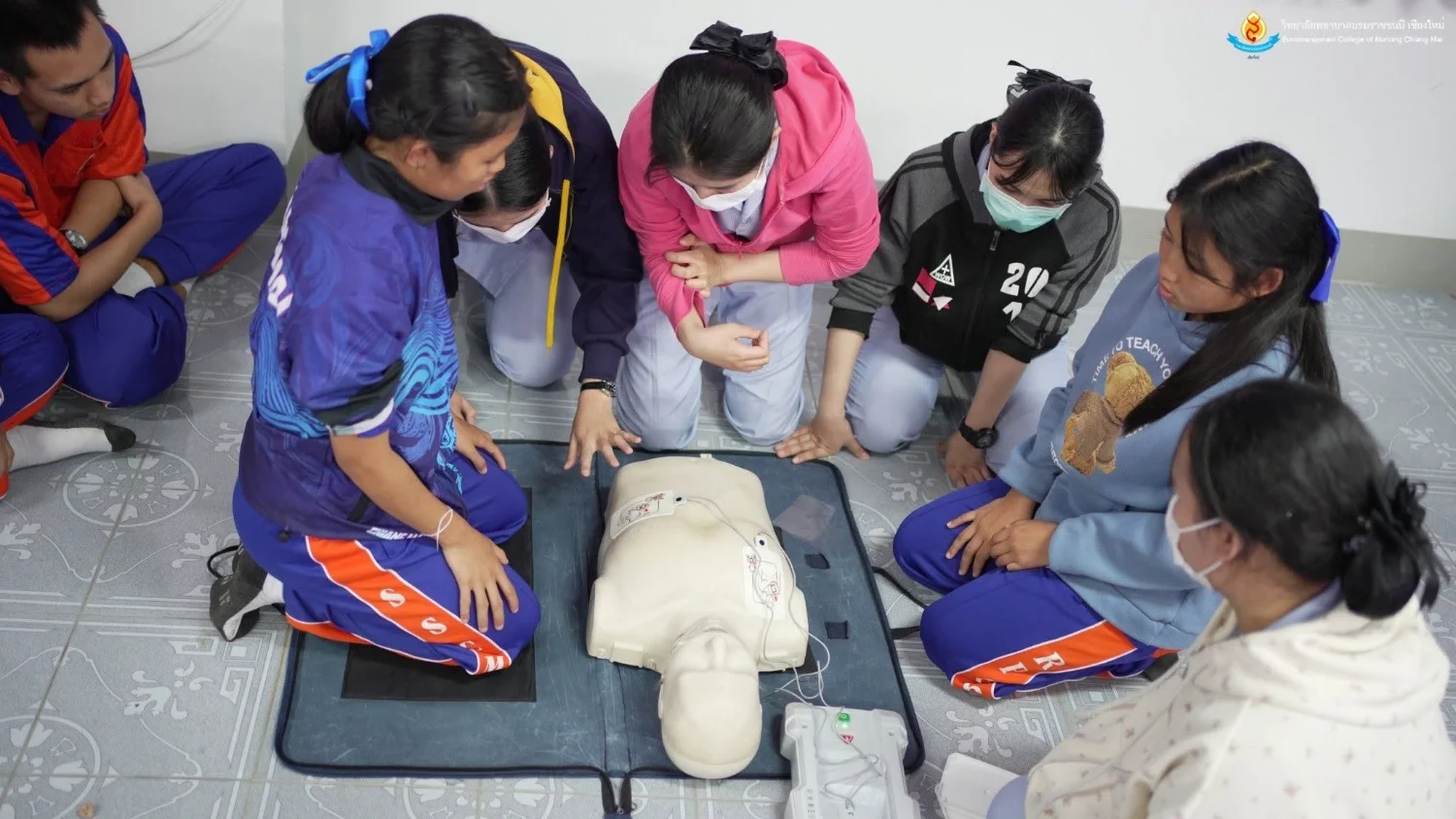
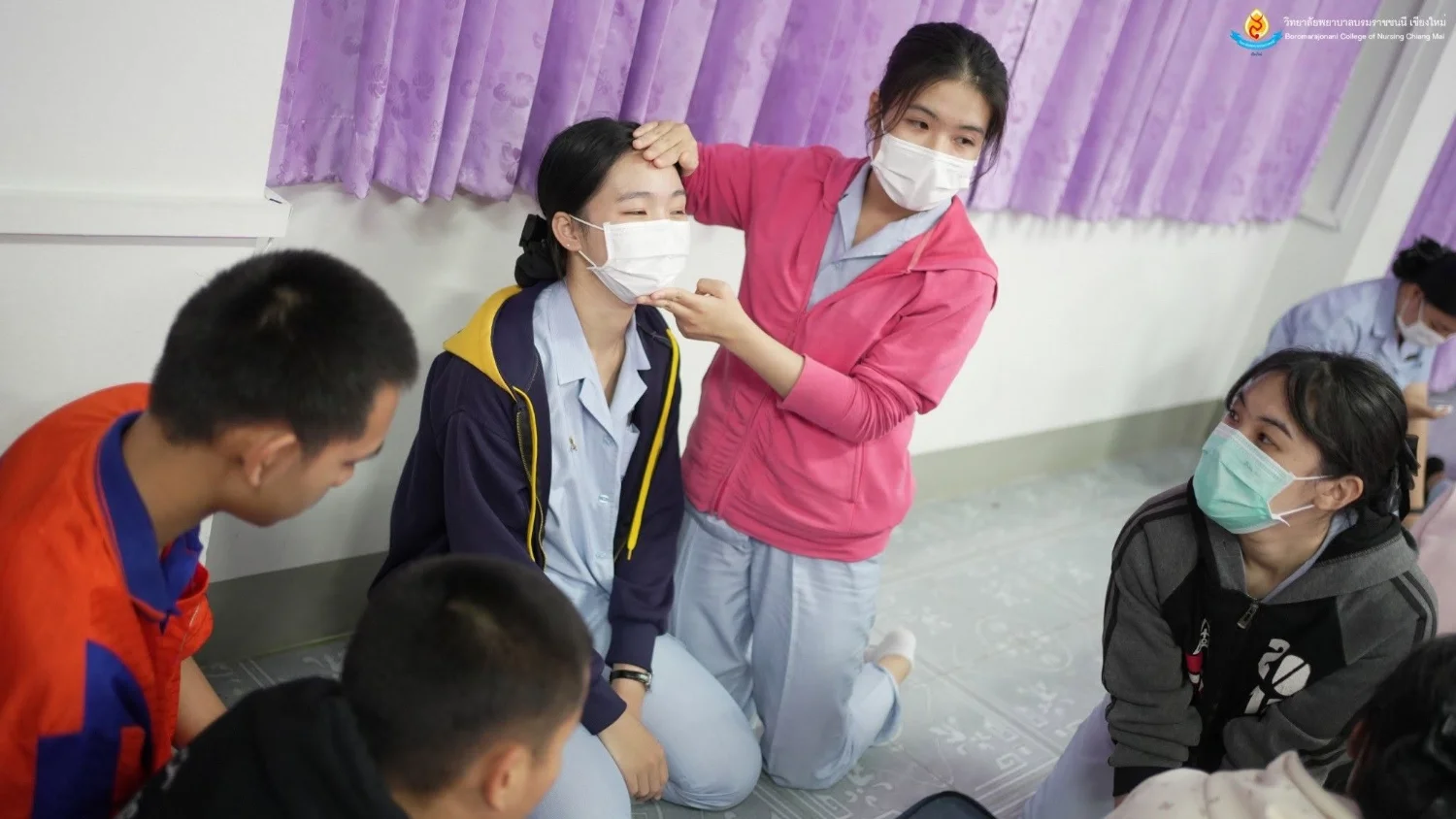
On 9 January 2025, from 1:00–4:30 p.m., the Academic Affairs and Educational Quality Assurance Division of Boromarajonani College of Nursing, Chiang Mai organized the first emergency care competency development activity through academic services at Rajaprajanugroh 60 School, Chiang Mai. It involved 28 third-year nursing students and 92 Grade 10 students. Mr. Arun Sawai Pininta, Deputy School Director, opened the activity. Dr. Montri Khamrungsri, an adult nursing lecturer, delivered a session on basic life support (BLS). School students were divided into seven groups, with adult nursing lecturers and nursing students providing practical training in scene safety and initial assessment, seeking assistance and calling 1669, opening the airway, chest compressions for resuscitation, and using an automated external defibrillator (AED). The activity enabled nursing students to provide accurate and effective BLS training to people outside the college.
Cookies help us provide a better and more convenient browsing experience. By selecting “Accept”, you agree to our use of cookies as described in our Website Policy
and Cookies Policy.
Browser preferences
Cookie Settings
What are cookies?
Small files that help websites remember your preferences. You can review or change how your browser handles them at any time.
Choose your browser to view the instructions
Google Chrome
Manage your cookie preferences
5 steps
Step 1
Open Chrome on your computer.
Step 2
Select the three-dot menu, then choose Settings.
Step 3
Open Privacy and security.
Step 4
Select Third-party cookies.
Step 5
Choose the option that matches your preference.
Microsoft Edge
Manage your cookie preferences
5 steps
Step 1
Open Microsoft Edge on your computer.
Step 2
Select the three-dot menu, then choose Settings.
Step 3
Open Cookies and site permissions.
Step 4
Select Manage and delete cookies and site data.
Step 5
Turn your preferred cookie options on or off.
Mozilla Firefox
Manage your cookie preferences
5 steps
Step 1
Open Firefox on your computer.
Step 2
Select the menu button, then choose Settings.
Step 3
Open Privacy & Security.
Step 4
Go to Cookies and Site Data.
Step 5
Clear data, manage data, or change permissions as needed.
Apple Safari
Manage your cookie preferences
3 steps
Step 1
Open Safari and select Settings.
Step 2
Select the Privacy tab.
Step 3
Choose your website tracking and cookie preferences.
i Browser menus may vary slightly depending on your browser version and device.


 The Nine Doctors pathway from medical training to community care317