BCNC Uses the PBRI Model to Promote Community Health in Rural Mae Hong Son
26 October 20267 views
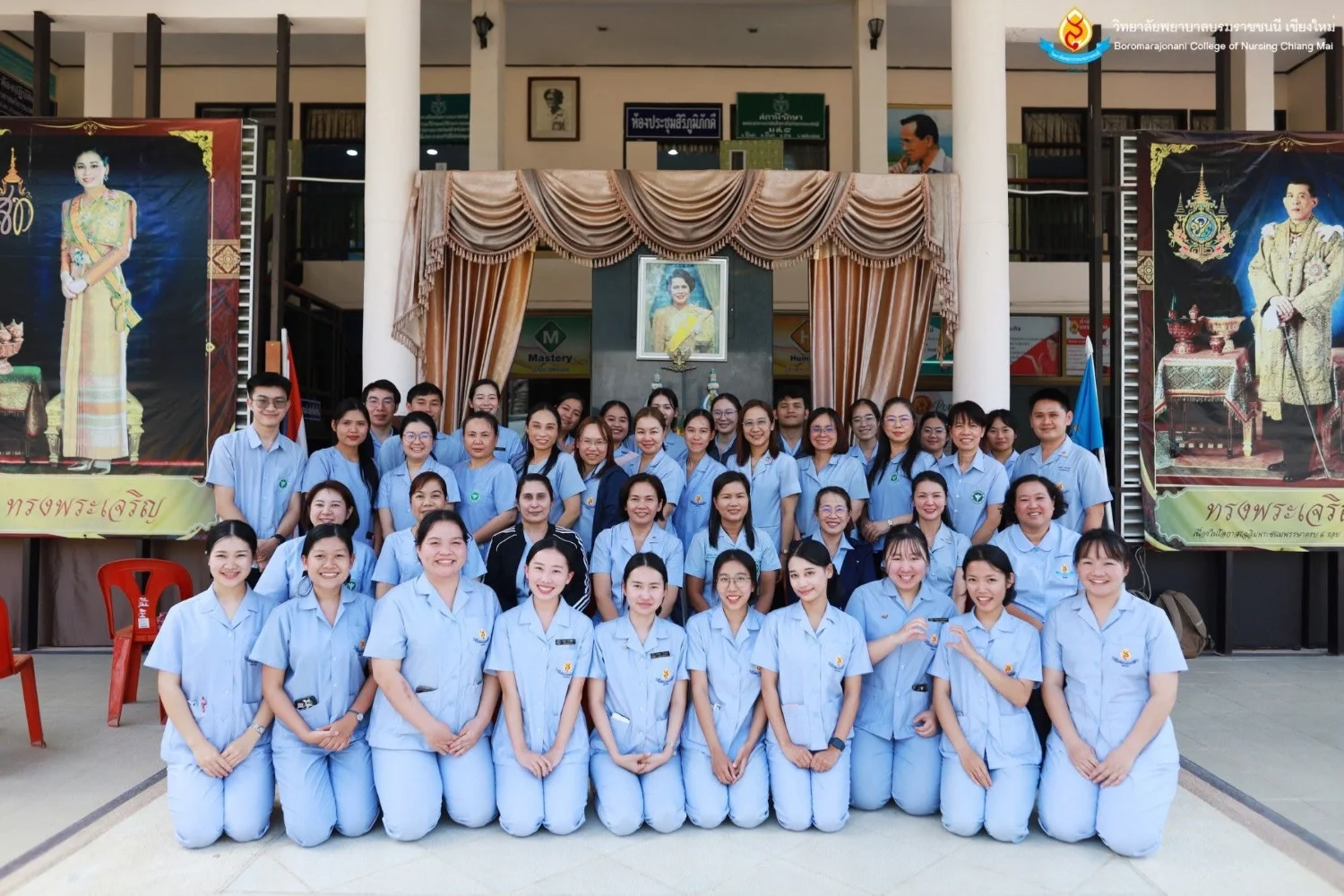
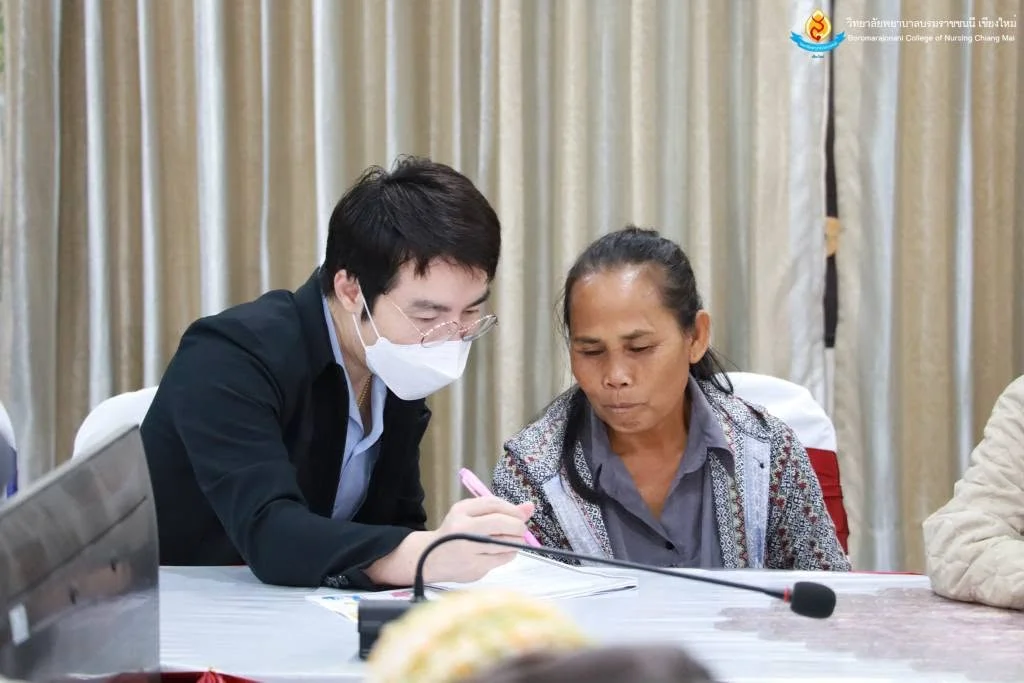
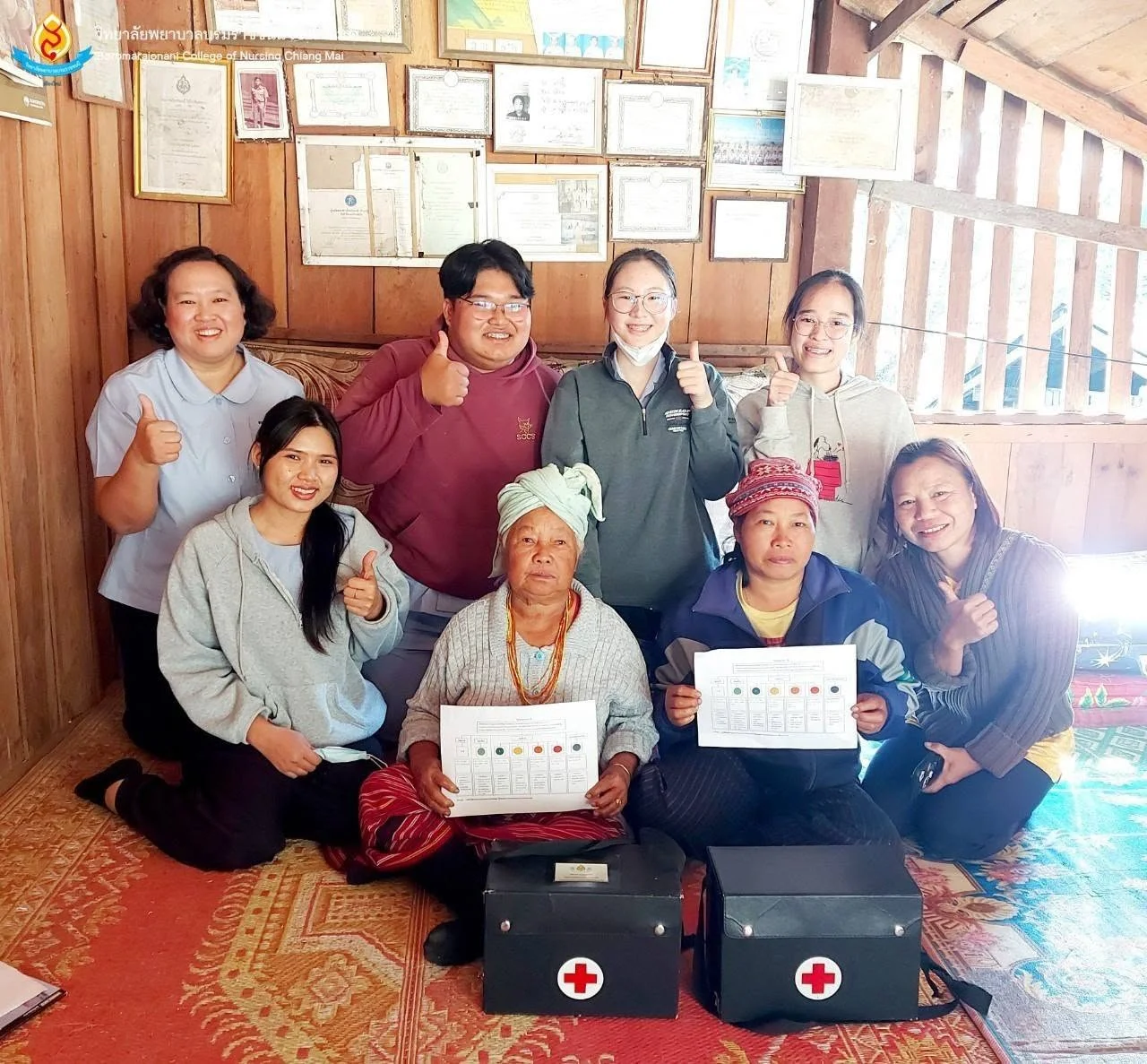
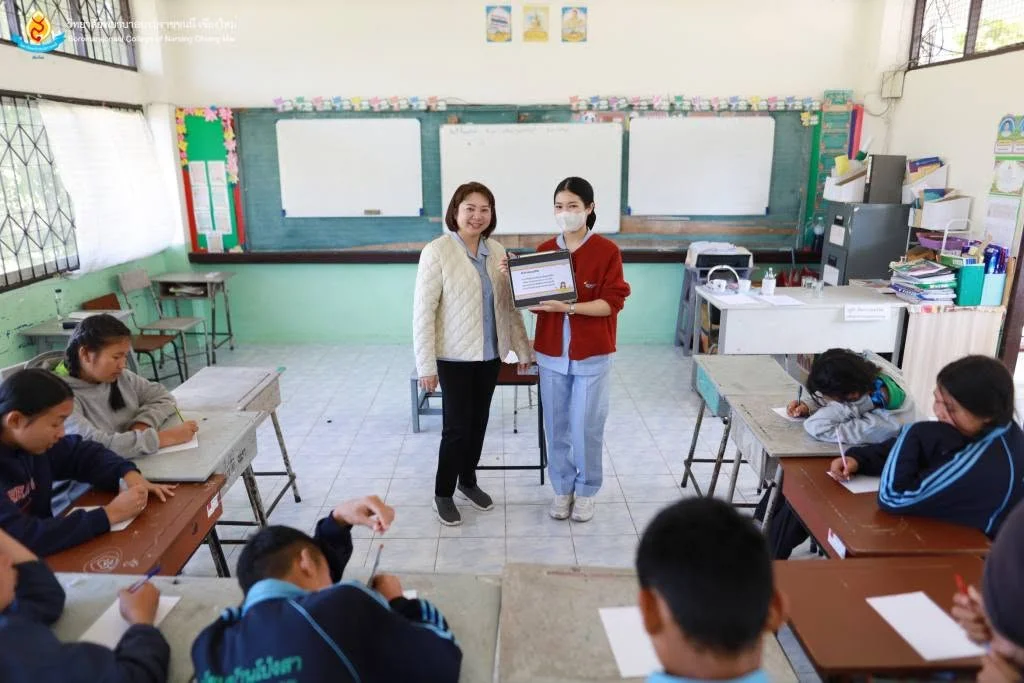
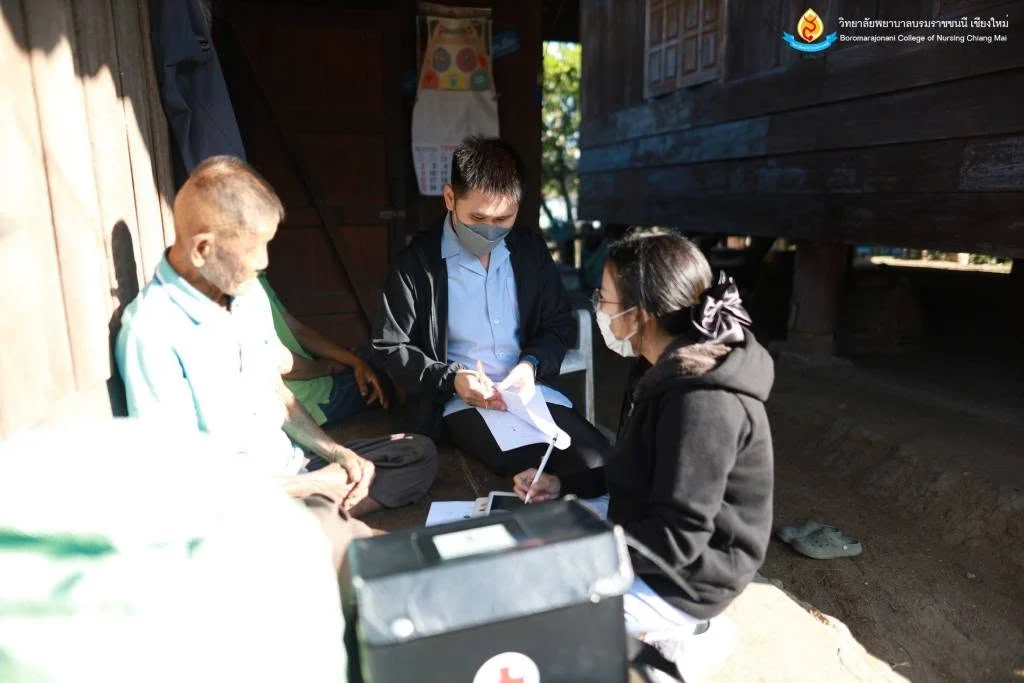
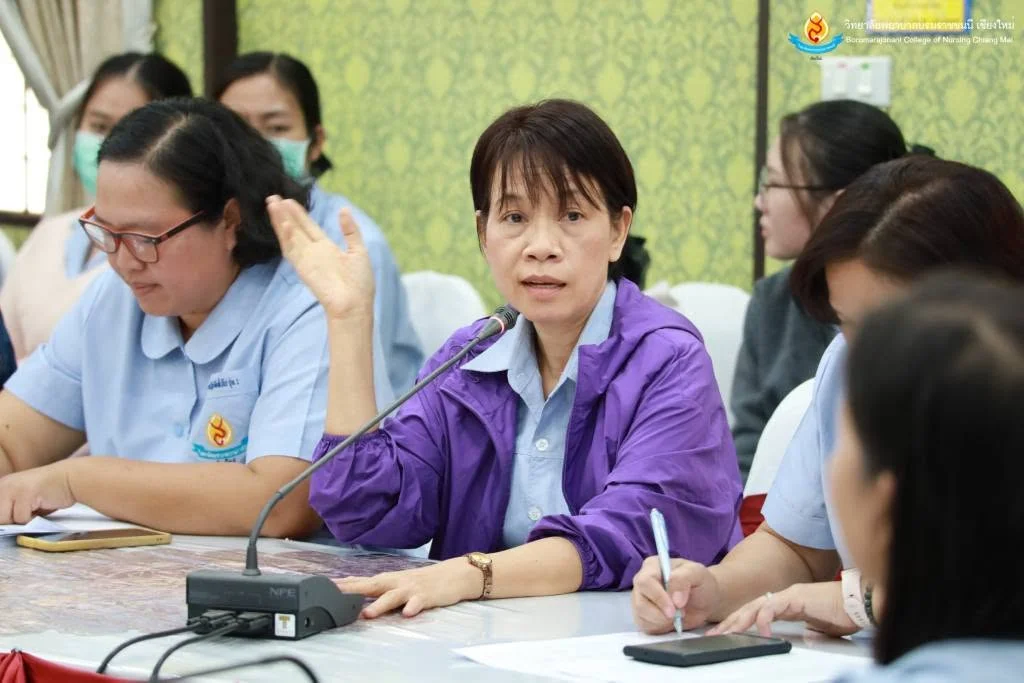
On 20–21 February 2025, the Academic Affairs and Educational Quality Assurance Division of Boromarajonani College of Nursing, Chiang Mai organized community health promotion activities based on the PBRI Model in Pai District, Mae Hong Son. Health screening for people aged 15 and over covered blood glucose, blood pressure, body mass index, and mental health at Ban Pong Sa Health Center Commemorating the 60th Birthday of Queen Sirikit. Lecturers from six nursing disciplines and third-year nursing student representatives carried out the following activities. At the health center, Nitcha Tipwan, Asst. Prof. Dr. Chonticha Amattayakong, Dr. Ampicha Nawai, and Dr. Thanchanok Wongwiboon assessed social information. Asst. Prof. Tiwa Mahaprom and Dr. Montri Khamrungsri educated village health volunteers and people at risk of chronic disease using the seven-color traffic-light ping-pong approach. At Ban Pong Sa School, Suphattra Sinthubua, Wannapha Srion, Warisa Worawong, and Poonsap Lapjiam taught refusal skills to prevent unintended pregnancy and explained contraceptive methods. Sumitphon Chomchan and Dr. Somporn Sitthisongkram led station-based mental health literacy activities. Dr. Sarinyaporn Chandeekaewsakul, Asst. Prof. Dr. Roshinee Oupra, Asst. Prof. Dr. Yuppares Panyaprom, and Dr. Eakachai Kantawong conducted home visits to patients with uncontrolled diabetes or hypertension in Ban Pong Sa, Village 1, combining family nursing with the PBRI Model. Prissana Yingratsook and Patthanit Jongkae assessed preschool children’s nutrition and development in Ban Khun Sa Nai, Village 5, Pong Sa Subdistrict. The activities aimed to detect health problems and improve services at the health center, which serves a remote rural area where most residents face barriers to healthcare access. The college reported the activities on 21 February 2025.
Cookies help us provide a better and more convenient browsing experience. By selecting “Accept”, you agree to our use of cookies as described in our Website Policy
and Cookies Policy.
Browser preferences
Cookie Settings
What are cookies?
Small files that help websites remember your preferences. You can review or change how your browser handles them at any time.
Choose your browser to view the instructions
Google Chrome
Manage your cookie preferences
5 steps
Step 1
Open Chrome on your computer.
Step 2
Select the three-dot menu, then choose Settings.
Step 3
Open Privacy and security.
Step 4
Select Third-party cookies.
Step 5
Choose the option that matches your preference.
Microsoft Edge
Manage your cookie preferences
5 steps
Step 1
Open Microsoft Edge on your computer.
Step 2
Select the three-dot menu, then choose Settings.
Step 3
Open Cookies and site permissions.
Step 4
Select Manage and delete cookies and site data.
Step 5
Turn your preferred cookie options on or off.
Mozilla Firefox
Manage your cookie preferences
5 steps
Step 1
Open Firefox on your computer.
Step 2
Select the menu button, then choose Settings.
Step 3
Open Privacy & Security.
Step 4
Go to Cookies and Site Data.
Step 5
Clear data, manage data, or change permissions as needed.
Apple Safari
Manage your cookie preferences
3 steps
Step 1
Open Safari and select Settings.
Step 2
Select the Privacy tab.
Step 3
Choose your website tracking and cookie preferences.
i Browser menus may vary slightly depending on your browser version and device.


 The Nine Doctors pathway from medical training to community care317