BCNC Hosts Final Presentations in PBRI Knowledge-to-Innovation Management Competition
26 October 20260 views
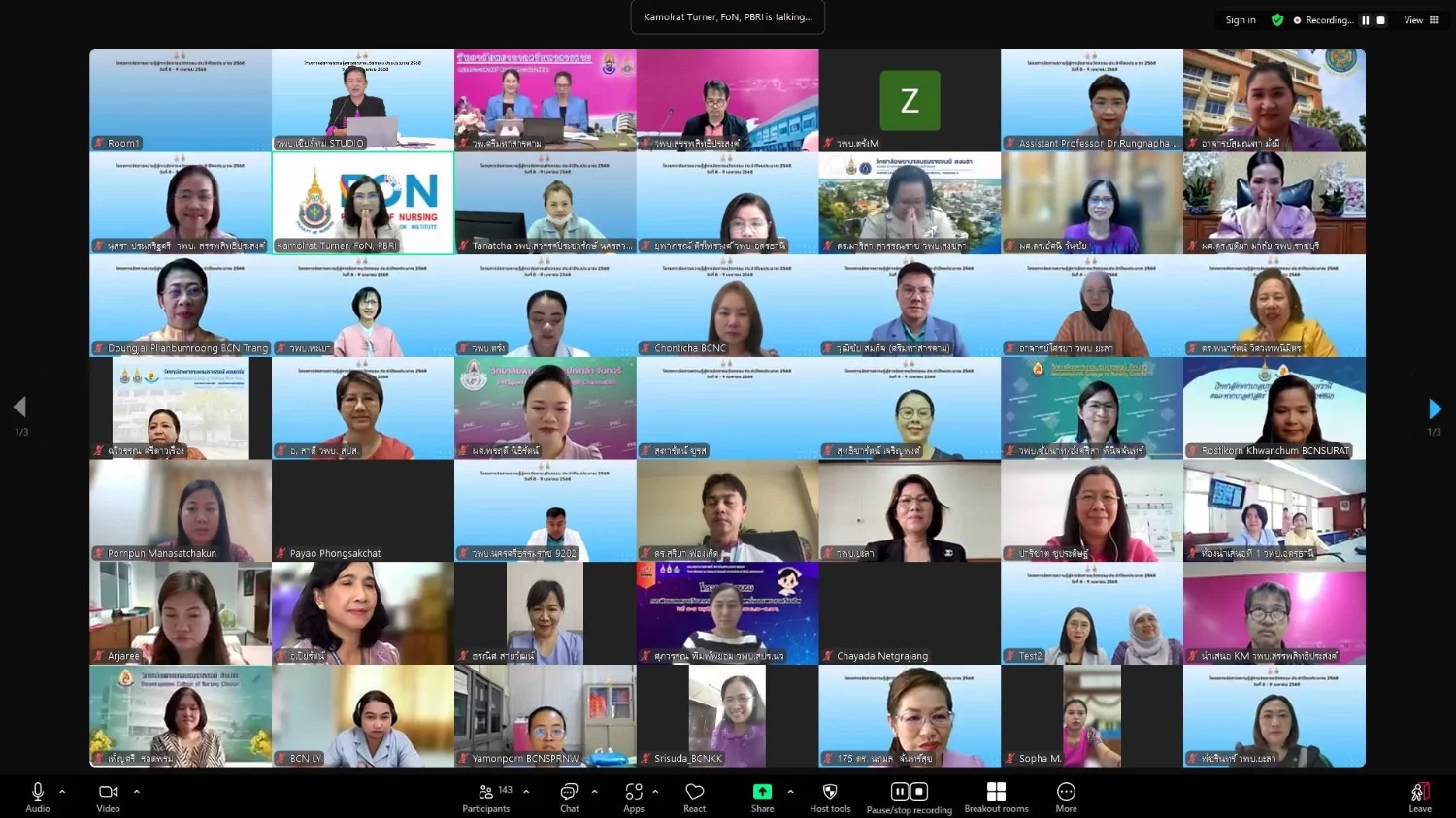
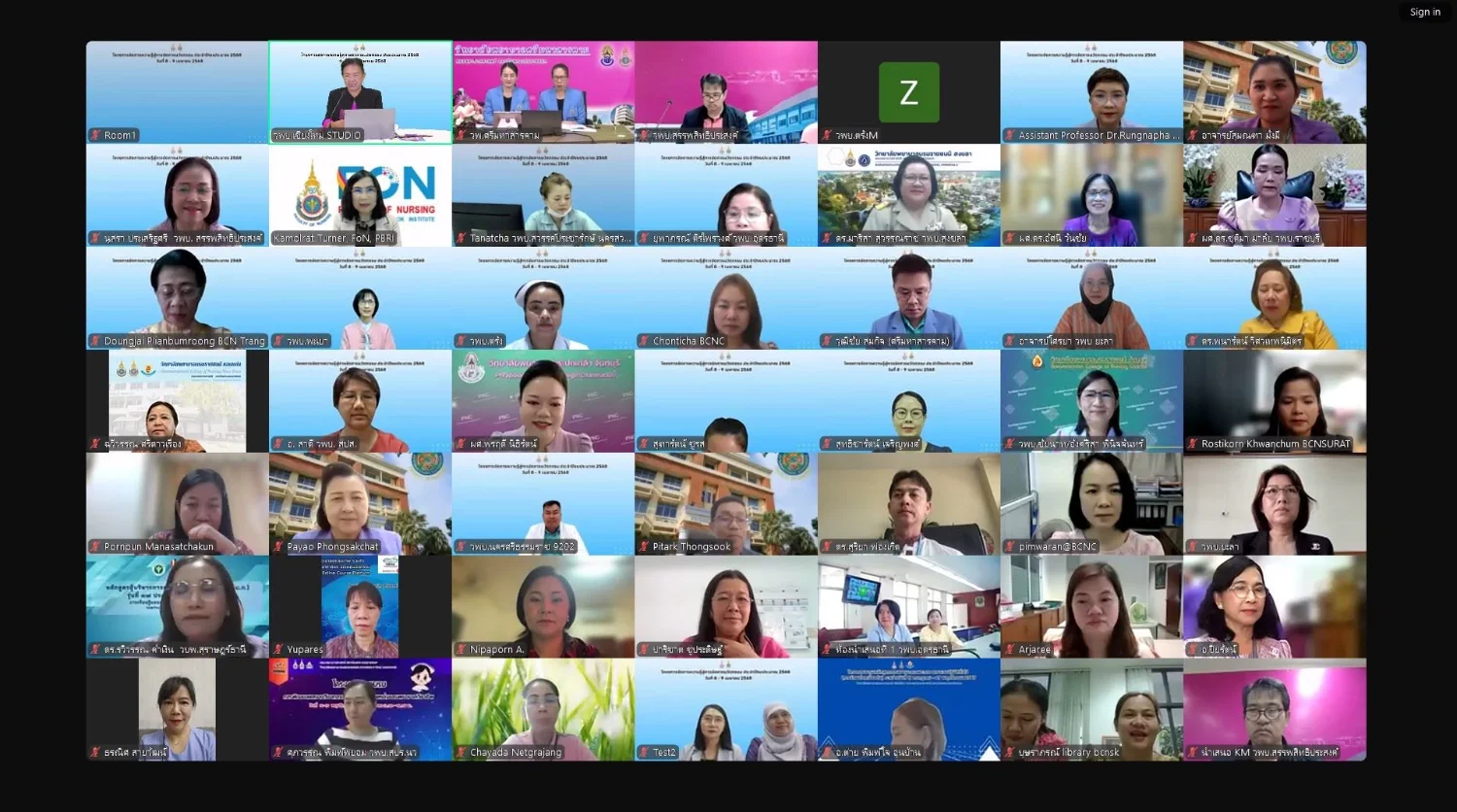
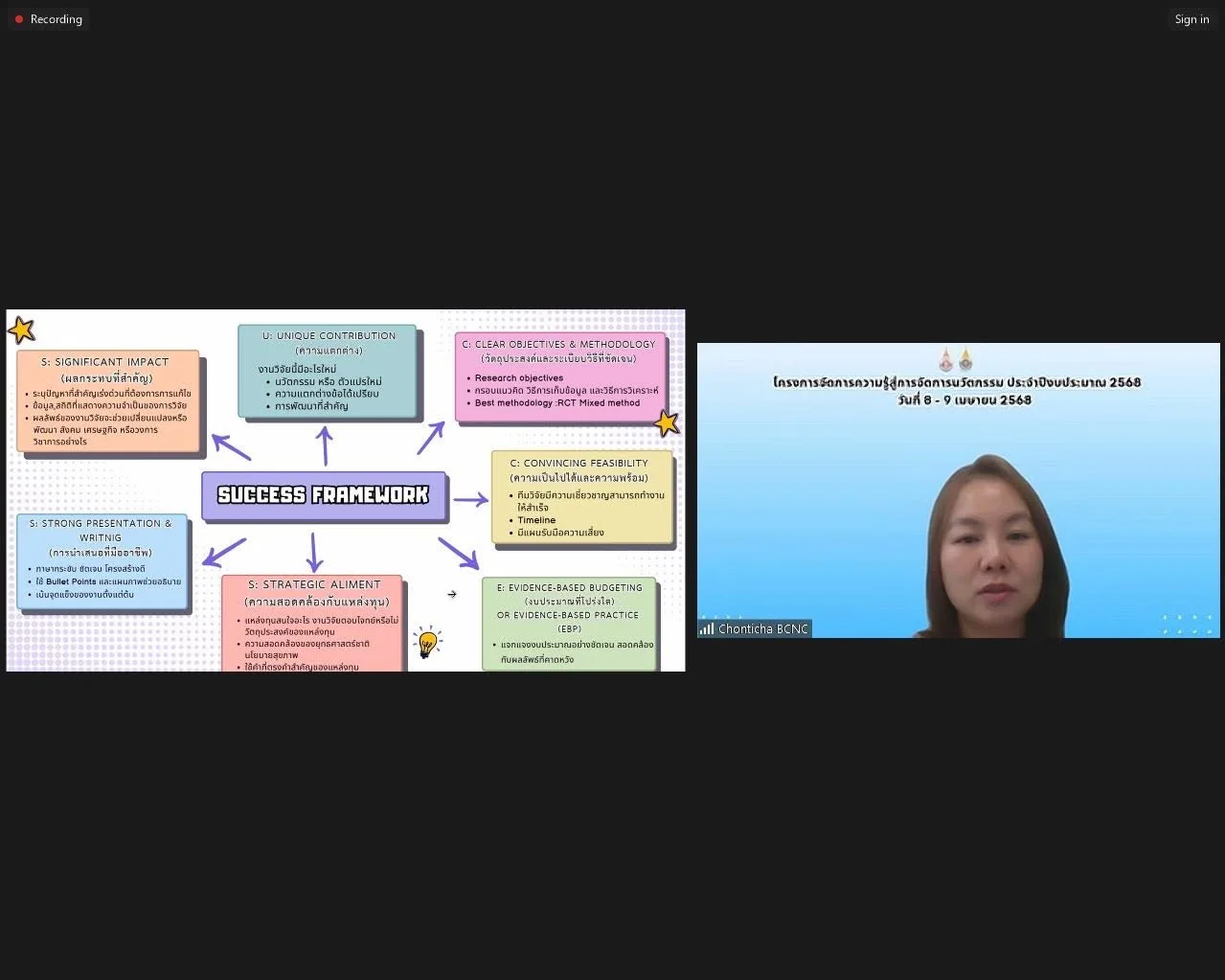
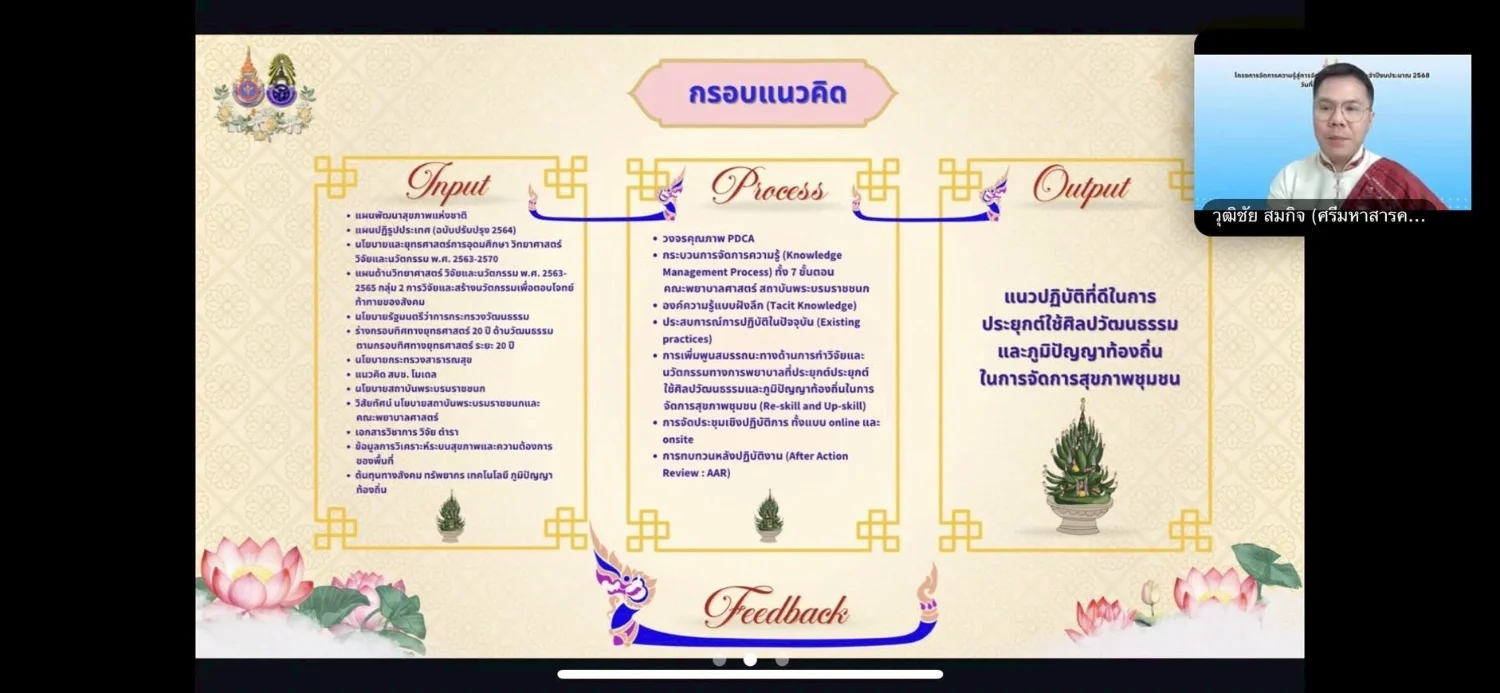
On 8–9 April 2025, from 8:30 a.m.–4:30 p.m., Boromarajonani College of Nursing, Chiang Mai hosted the final knowledge management presentations under the Faculty of Nursing, Praboromarajchanok Institute, fiscal year 2025 Knowledge Management to Innovation Management Project. The faculty has continuously supported knowledge management for Education Criteria for Performance Excellence (EdPEx), exchanges among knowledge management coordinators, and KM Sharing among affiliated colleges to identify organizational knowledge and good practices. Communities of practice (CoPs) within the faculty and external organizations submitted what the source reports as 74 entries: 15 in research and innovation, 13 in graduate production and development, 28 in organizational development, ten in academic services, and nine in arts and culture. The selection committee shortlisted CoPs for final presentations over two days. On 8 April, presentations covered external research funding proposals (three entries), Green Office practices (four), transforming routine work into innovation (five), integrating higher education missions in academic services (five), international journal publication (four), and seamless workflow development (five). On 9 April, activities included Empowerment Storytelling and presentations on health innovation (five), good practices in promoting arts and culture (four), developing professional support staff into project managers (five), transformative learning (five), and health innovation applying arts, culture, and local or Thai wisdom (five). The source reports 50 CoPs in the final round. Asst. Prof. Dr. Kamolrat Turner, Dean of the Faculty of Nursing, opened the event and encouraged colleges to continue advancing knowledge management. The college reported the event on 9 April 2025.
Cookies help us provide a better and more convenient browsing experience. By selecting “Accept”, you agree to our use of cookies as described in our Website Policy
and Cookies Policy.
Browser preferences
Cookie Settings
What are cookies?
Small files that help websites remember your preferences. You can review or change how your browser handles them at any time.
Choose your browser to view the instructions
Google Chrome
Manage your cookie preferences
5 steps
Step 1
Open Chrome on your computer.
Step 2
Select the three-dot menu, then choose Settings.
Step 3
Open Privacy and security.
Step 4
Select Third-party cookies.
Step 5
Choose the option that matches your preference.
Microsoft Edge
Manage your cookie preferences
5 steps
Step 1
Open Microsoft Edge on your computer.
Step 2
Select the three-dot menu, then choose Settings.
Step 3
Open Cookies and site permissions.
Step 4
Select Manage and delete cookies and site data.
Step 5
Turn your preferred cookie options on or off.
Mozilla Firefox
Manage your cookie preferences
5 steps
Step 1
Open Firefox on your computer.
Step 2
Select the menu button, then choose Settings.
Step 3
Open Privacy & Security.
Step 4
Go to Cookies and Site Data.
Step 5
Clear data, manage data, or change permissions as needed.
Apple Safari
Manage your cookie preferences
3 steps
Step 1
Open Safari and select Settings.
Step 2
Select the Privacy tab.
Step 3
Choose your website tracking and cookie preferences.
i Browser menus may vary slightly depending on your browser version and device.


 The Nine Doctors pathway from medical training to community care317