BCNC Introduces Practical Nursing Certificate Program to Schools in Chiang Mai and Mae Hong Son
26 October 20260 views
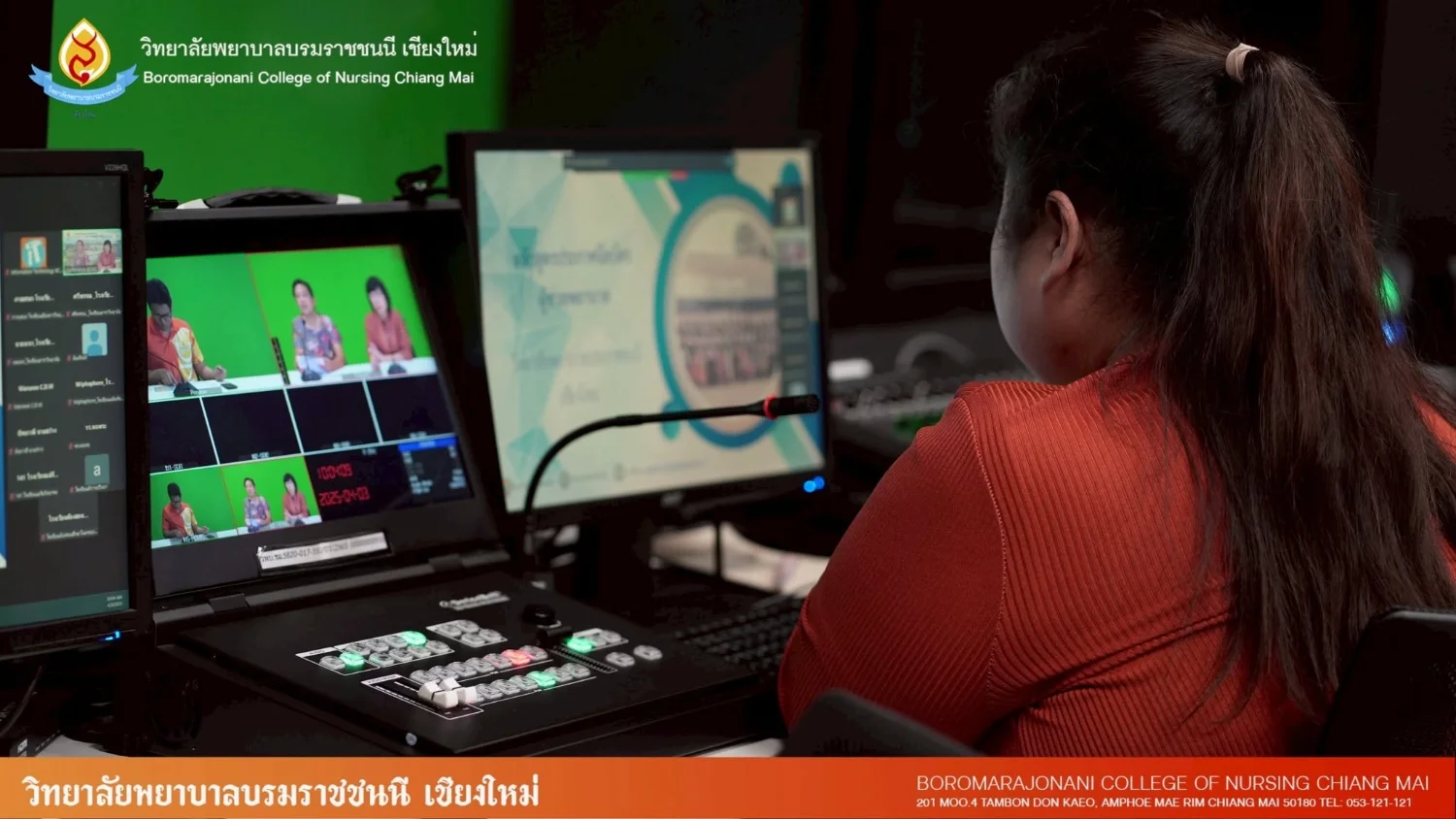
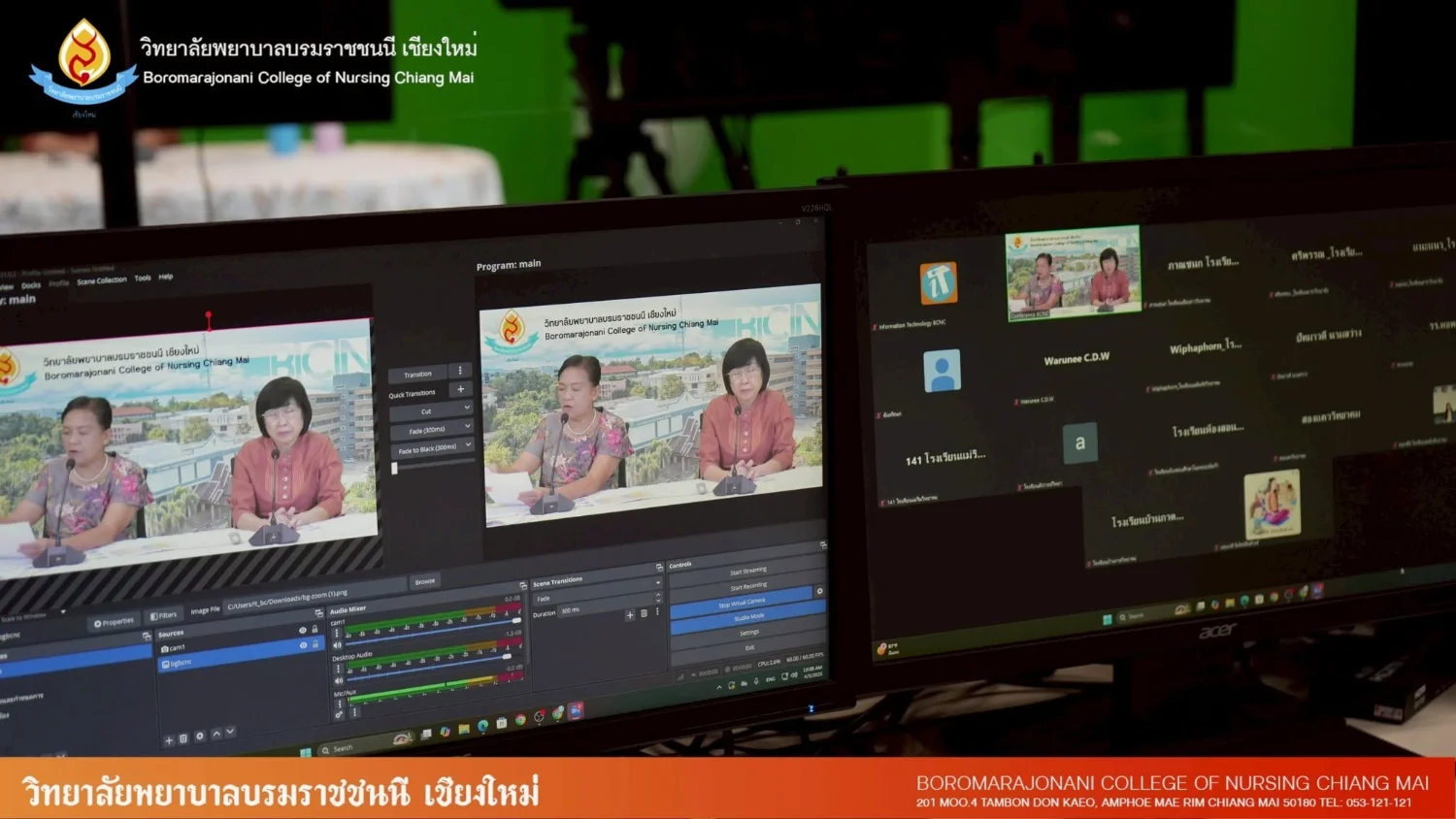
On 3 April 2025, Boromarajonani College of Nursing, Chiang Mai introduced its Practical Nursing Certificate Program and admissions information to teachers and students from schools in Chiang Mai and Mae Hong Son. The online Zoom session was broadcast from BCNC STUDIO in the combined teaching and student residence building. Director Asst. Prof. Amavasee Ampansirirat chaired the activity, joined by program coordinator Nutcharin Phanbunpluk. They explained the curriculum, teaching and learning processes, career pathways, and online application procedures to facilitate access for prospective students. The college is committed to developing quality nursing personnel to meet future healthcare workforce needs. Further admissions information is available at https://www.bcnc.ac.th/main or by telephone at 053-12121 ext. 206 or 089-8507174, as provided in the source. Applications can also be submitted through the Praboromarajchanok Institute admissions website, https://admission.pi.ac.th/.
Cookies help us provide a better and more convenient browsing experience. By selecting “Accept”, you agree to our use of cookies as described in our Website Policy
and Cookies Policy.
Browser preferences
Cookie Settings
What are cookies?
Small files that help websites remember your preferences. You can review or change how your browser handles them at any time.
Choose your browser to view the instructions
Google Chrome
Manage your cookie preferences
5 steps
Step 1
Open Chrome on your computer.
Step 2
Select the three-dot menu, then choose Settings.
Step 3
Open Privacy and security.
Step 4
Select Third-party cookies.
Step 5
Choose the option that matches your preference.
Microsoft Edge
Manage your cookie preferences
5 steps
Step 1
Open Microsoft Edge on your computer.
Step 2
Select the three-dot menu, then choose Settings.
Step 3
Open Cookies and site permissions.
Step 4
Select Manage and delete cookies and site data.
Step 5
Turn your preferred cookie options on or off.
Mozilla Firefox
Manage your cookie preferences
5 steps
Step 1
Open Firefox on your computer.
Step 2
Select the menu button, then choose Settings.
Step 3
Open Privacy & Security.
Step 4
Go to Cookies and Site Data.
Step 5
Clear data, manage data, or change permissions as needed.
Apple Safari
Manage your cookie preferences
3 steps
Step 1
Open Safari and select Settings.
Step 2
Select the Privacy tab.
Step 3
Choose your website tracking and cookie preferences.
i Browser menus may vary slightly depending on your browser version and device.


 The Nine Doctors pathway from medical training to community care317