BCNC Strengthens Research Manuscript Writing and Publication Skills
5 September 20250 views
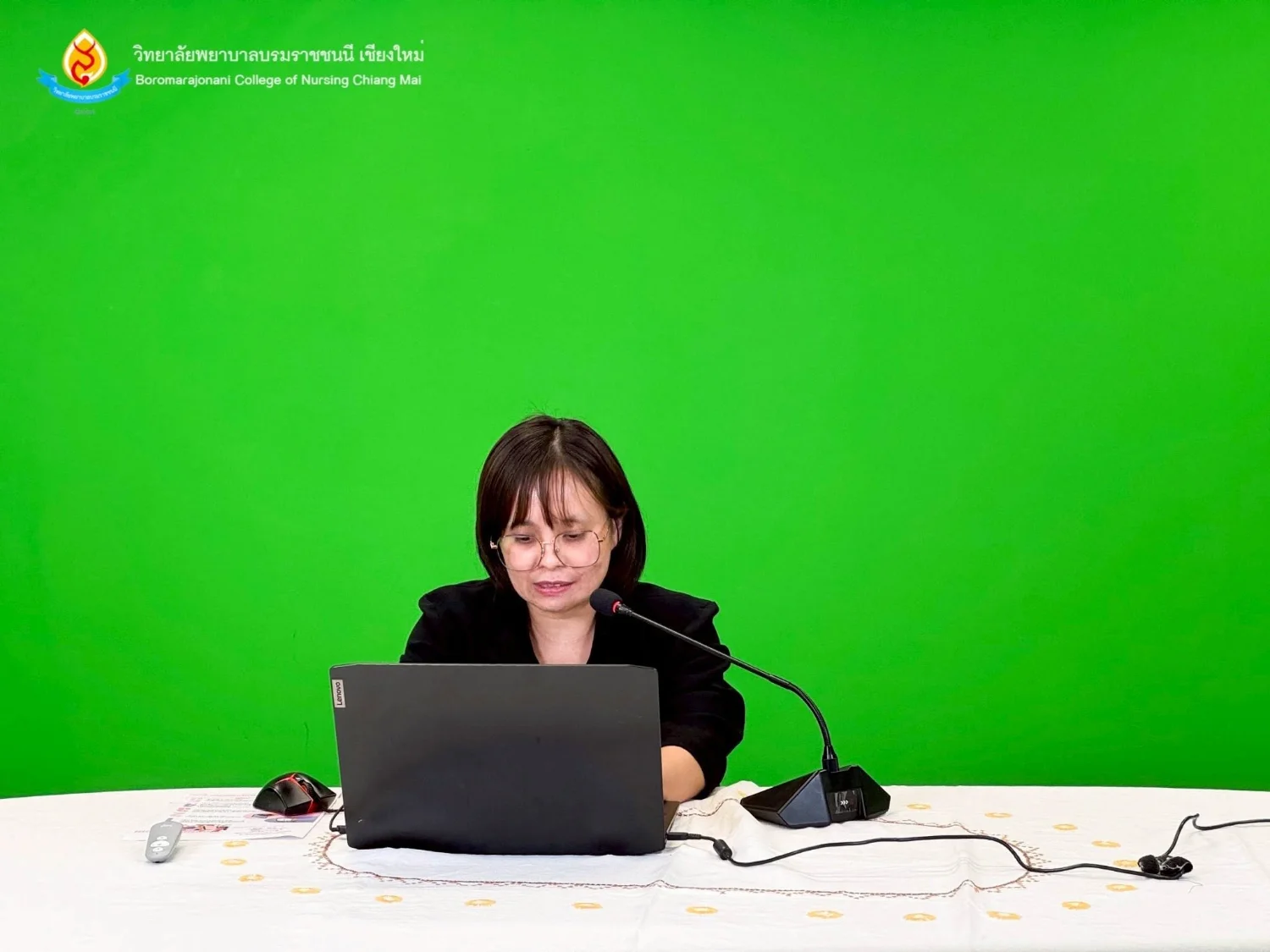
In a report issued on 5 September 2025, Boromarajonani College of Nursing, Chiang Mai described an online academic meeting on ‘Research Manuscript Writing Techniques for Publication.’ The source gives both 3 and 4 September 2025 as the meeting date and states that sessions ran from 1:00–4:00 p.m. The meeting strengthened lecturers’, researchers’, and interested participants’ skills in producing quality manuscripts meeting national and international journal standards. Two sessions covered key aspects of publication. Asst. Prof. Dr. Pulawit Thongtaeng, Deputy Editor of the Journal of Nursing and Public Health Research, discussed writing high-quality, publishable manuscripts, standard structure, concise and engaging writing, and analysis of published examples. Asst. Prof. Dr. Ampicha Nawai, Editor of the journal, addressed submission strategies, choosing appropriate journals, understanding author guidelines, common manuscript preparation errors, and responding to reviewer comments when revising articles. The meeting developed academic staff capabilities, provided academic services to college alumni, strengthened alumni engagement, and supported higher-quality research and international dissemination.
Cookies help us provide a better and more convenient browsing experience. By selecting “Accept”, you agree to our use of cookies as described in our Website Policy
and Cookies Policy.
Browser preferences
Cookie Settings
What are cookies?
Small files that help websites remember your preferences. You can review or change how your browser handles them at any time.
Choose your browser to view the instructions
Google Chrome
Manage your cookie preferences
5 steps
Step 1
Open Chrome on your computer.
Step 2
Select the three-dot menu, then choose Settings.
Step 3
Open Privacy and security.
Step 4
Select Third-party cookies.
Step 5
Choose the option that matches your preference.
Microsoft Edge
Manage your cookie preferences
5 steps
Step 1
Open Microsoft Edge on your computer.
Step 2
Select the three-dot menu, then choose Settings.
Step 3
Open Cookies and site permissions.
Step 4
Select Manage and delete cookies and site data.
Step 5
Turn your preferred cookie options on or off.
Mozilla Firefox
Manage your cookie preferences
5 steps
Step 1
Open Firefox on your computer.
Step 2
Select the menu button, then choose Settings.
Step 3
Open Privacy & Security.
Step 4
Go to Cookies and Site Data.
Step 5
Clear data, manage data, or change permissions as needed.
Apple Safari
Manage your cookie preferences
3 steps
Step 1
Open Safari and select Settings.
Step 2
Select the Privacy tab.
Step 3
Choose your website tracking and cookie preferences.
i Browser menus may vary slightly depending on your browser version and device.


 The Nine Doctors pathway from medical training to community care317