SCPH Ubon Ratchathani Trains Monastic Communities as Temple Health Volunteers
16 June 20250 views
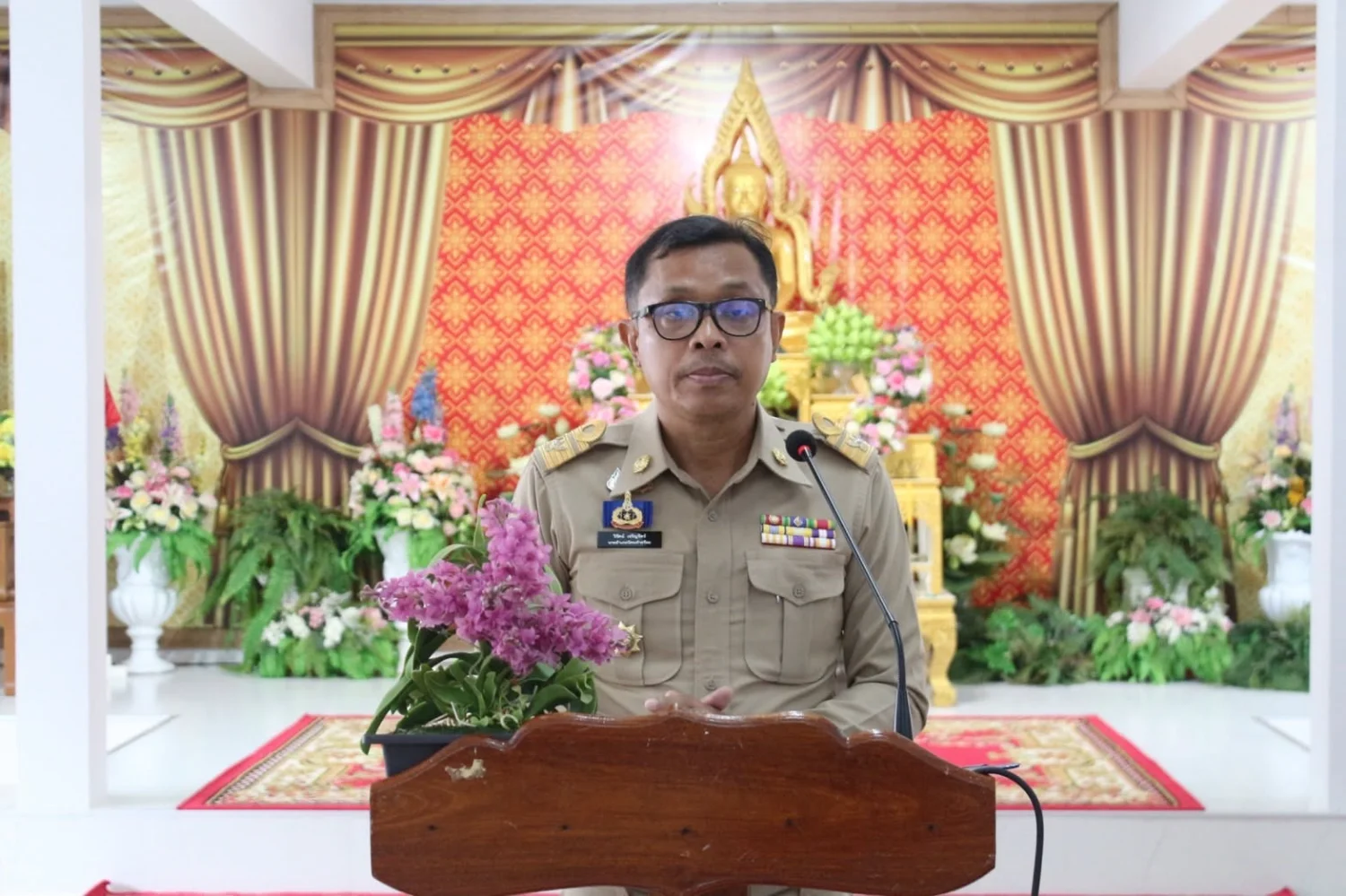
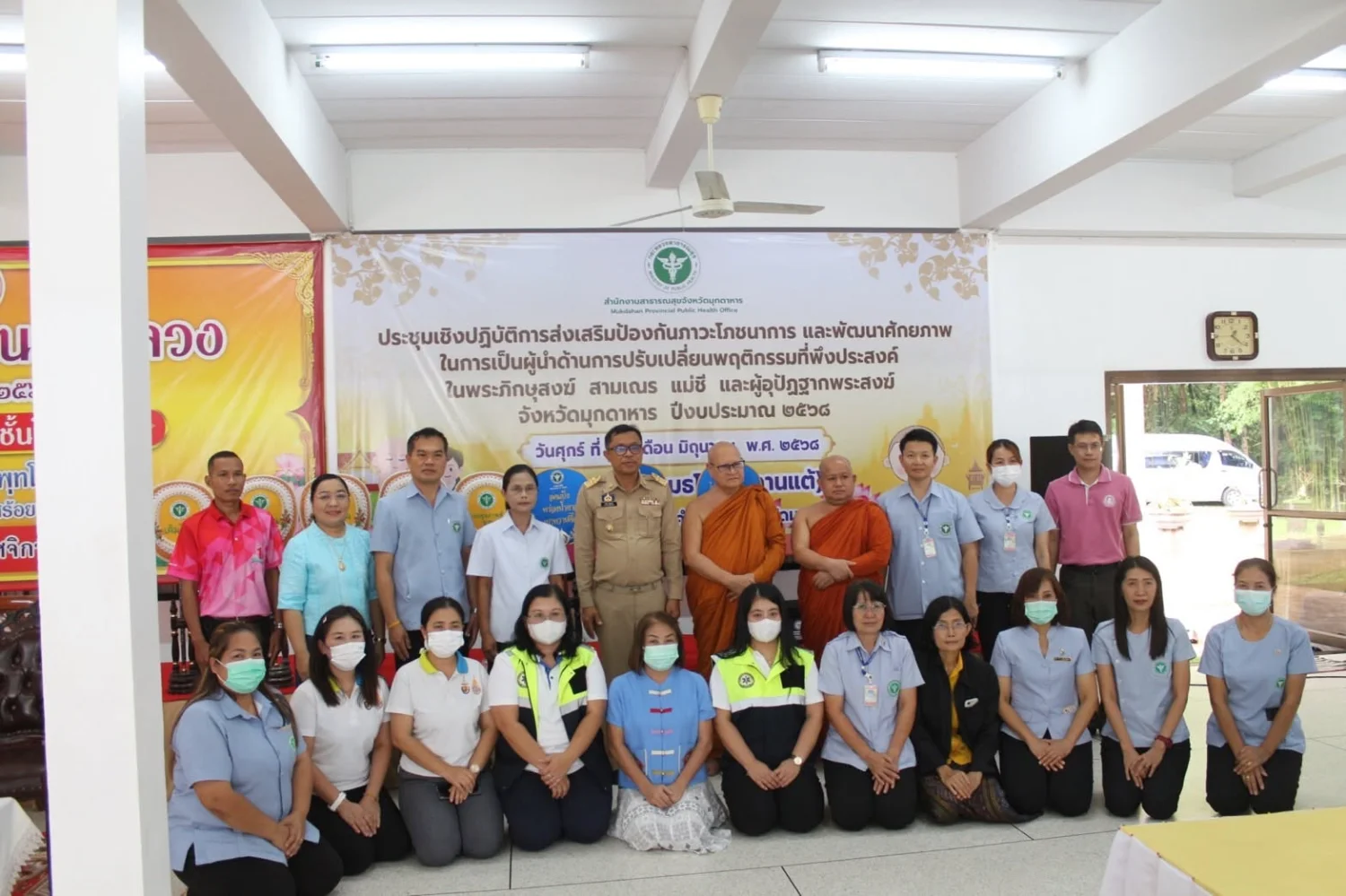
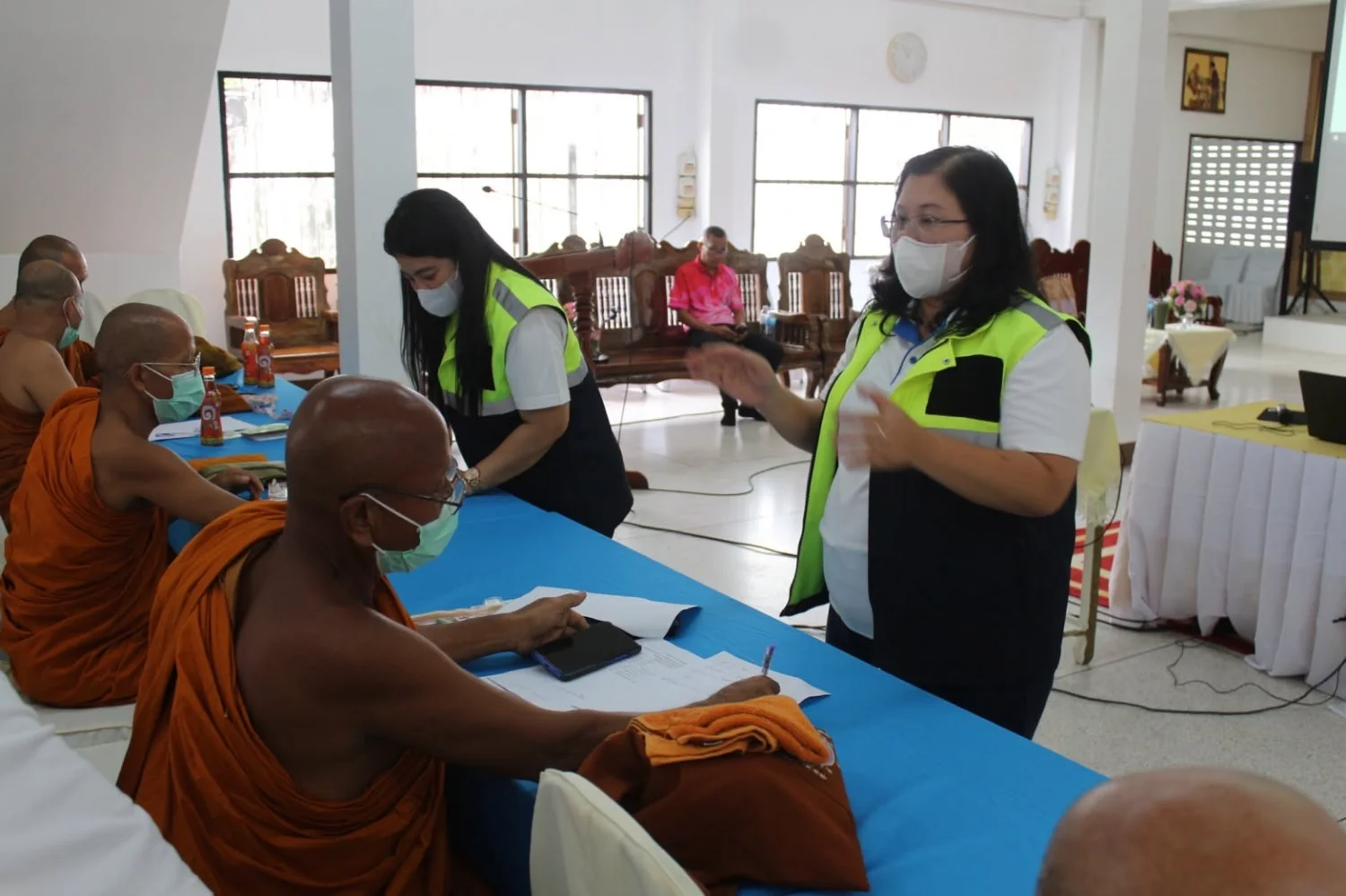
On Friday, 13 June 2025, lecturer Nucharin Kaenbubpha, a senior professional-level registered nurse and Head of Emergency Medical Operations at Sirindhorn College of Public Health, Ubon Ratchathani, and her team served as speakers in an activity promoting nutritional health and developing leadership for positive behavior change among monks, novices, Buddhist nuns, and monastic attendants. The activity took place at Wat Phuttho Thammatharo (Phu Dan Tae), Nikhom Kham Soi District, Mukdahan. It provided holistic health promotion and prevention knowledge to enable participants to become temple health volunteers who can care for themselves and others. It also aimed to establish a monastic health database for academic use and public health system development responsive to population health needs.
Discipline, Duty, Unity, Sacrifice, Integrity, Gratitude.
Wisdom for Community.
Follow our news: https://linktr.ee/scphub.ac.th
#PraboromarajchanokInstitute #JoinOurFamily #SCPHUB #PHAS
PBRI Vision: World Class University for Primary Care.
PHAS Vision: World Class Faculty for Primary Care.
Local to Global for Primary Health Care.
Cookies help us provide a better and more convenient browsing experience. By selecting “Accept”, you agree to our use of cookies as described in our Website Policy
and Cookies Policy.
Browser preferences
Cookie Settings
What are cookies?
Small files that help websites remember your preferences. You can review or change how your browser handles them at any time.
Choose your browser to view the instructions
Google Chrome
Manage your cookie preferences
5 steps
Step 1
Open Chrome on your computer.
Step 2
Select the three-dot menu, then choose Settings.
Step 3
Open Privacy and security.
Step 4
Select Third-party cookies.
Step 5
Choose the option that matches your preference.
Microsoft Edge
Manage your cookie preferences
5 steps
Step 1
Open Microsoft Edge on your computer.
Step 2
Select the three-dot menu, then choose Settings.
Step 3
Open Cookies and site permissions.
Step 4
Select Manage and delete cookies and site data.
Step 5
Turn your preferred cookie options on or off.
Mozilla Firefox
Manage your cookie preferences
5 steps
Step 1
Open Firefox on your computer.
Step 2
Select the menu button, then choose Settings.
Step 3
Open Privacy & Security.
Step 4
Go to Cookies and Site Data.
Step 5
Clear data, manage data, or change permissions as needed.
Apple Safari
Manage your cookie preferences
3 steps
Step 1
Open Safari and select Settings.
Step 2
Select the Privacy tab.
Step 3
Choose your website tracking and cookie preferences.
i Browser menus may vary slightly depending on your browser version and device.


 The Nine Doctors pathway from medical training to community care317