BCNSP Trains Monk Caregivers under the One Temple, One Monk Initiative
18 August 20250 views
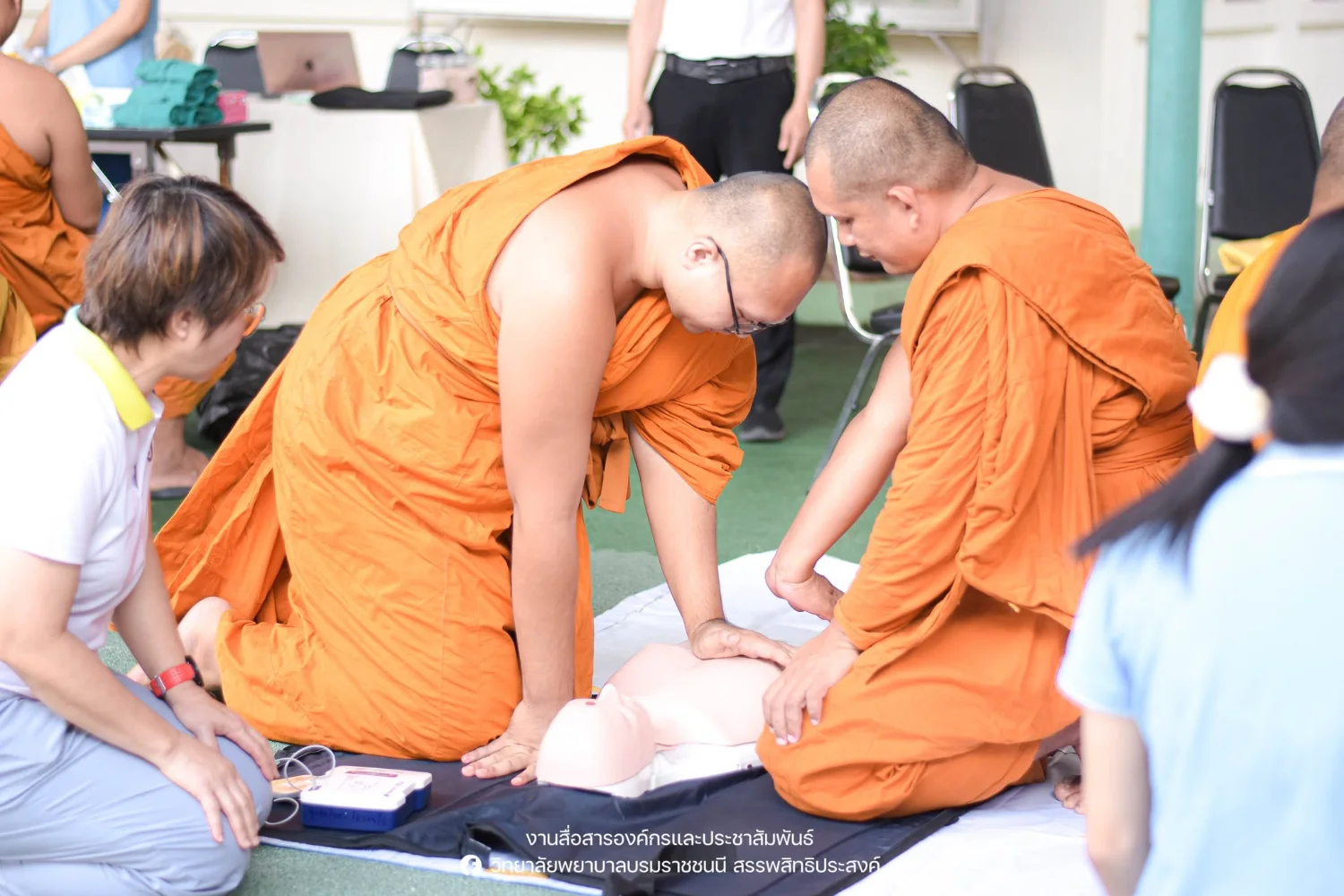
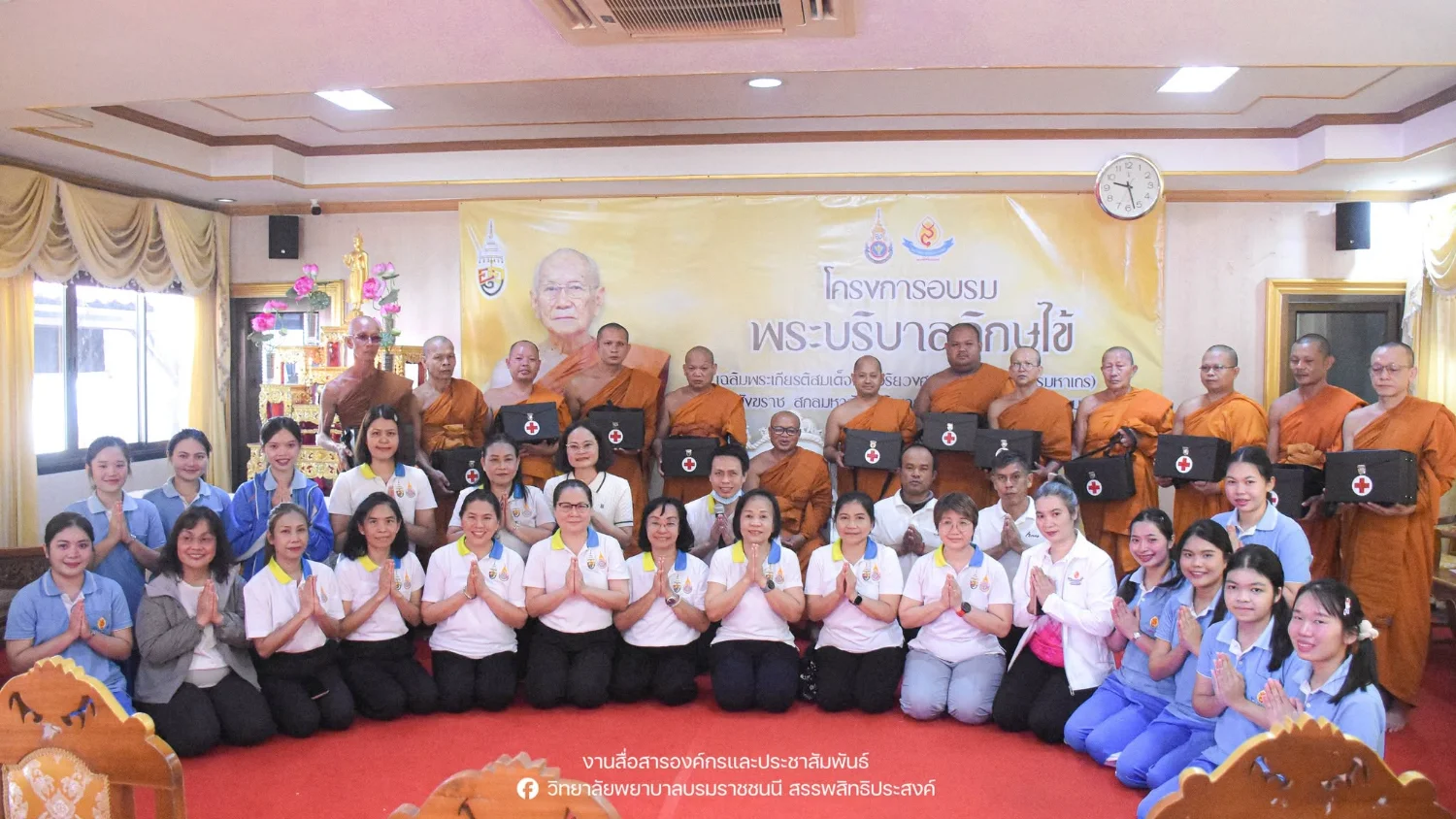
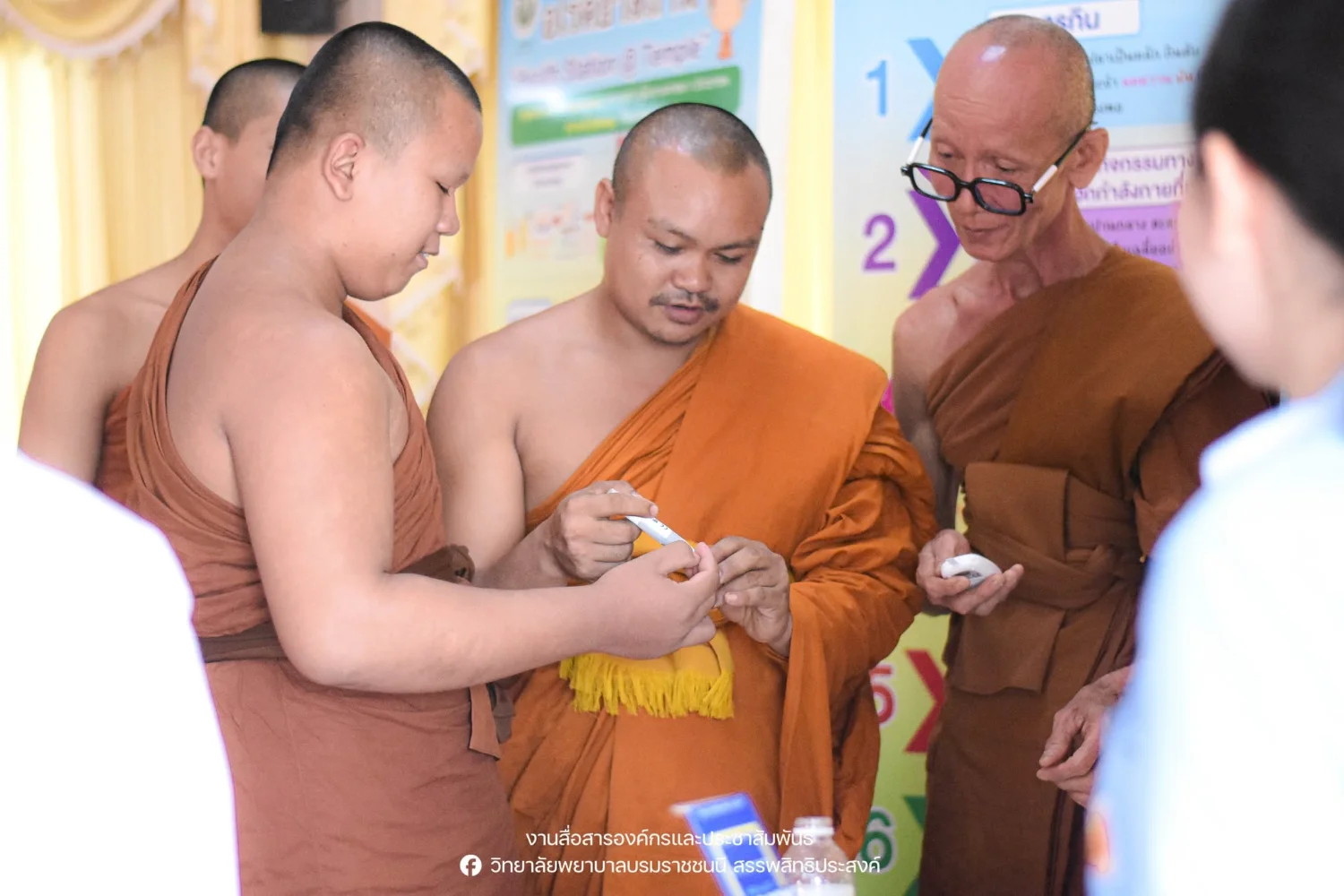
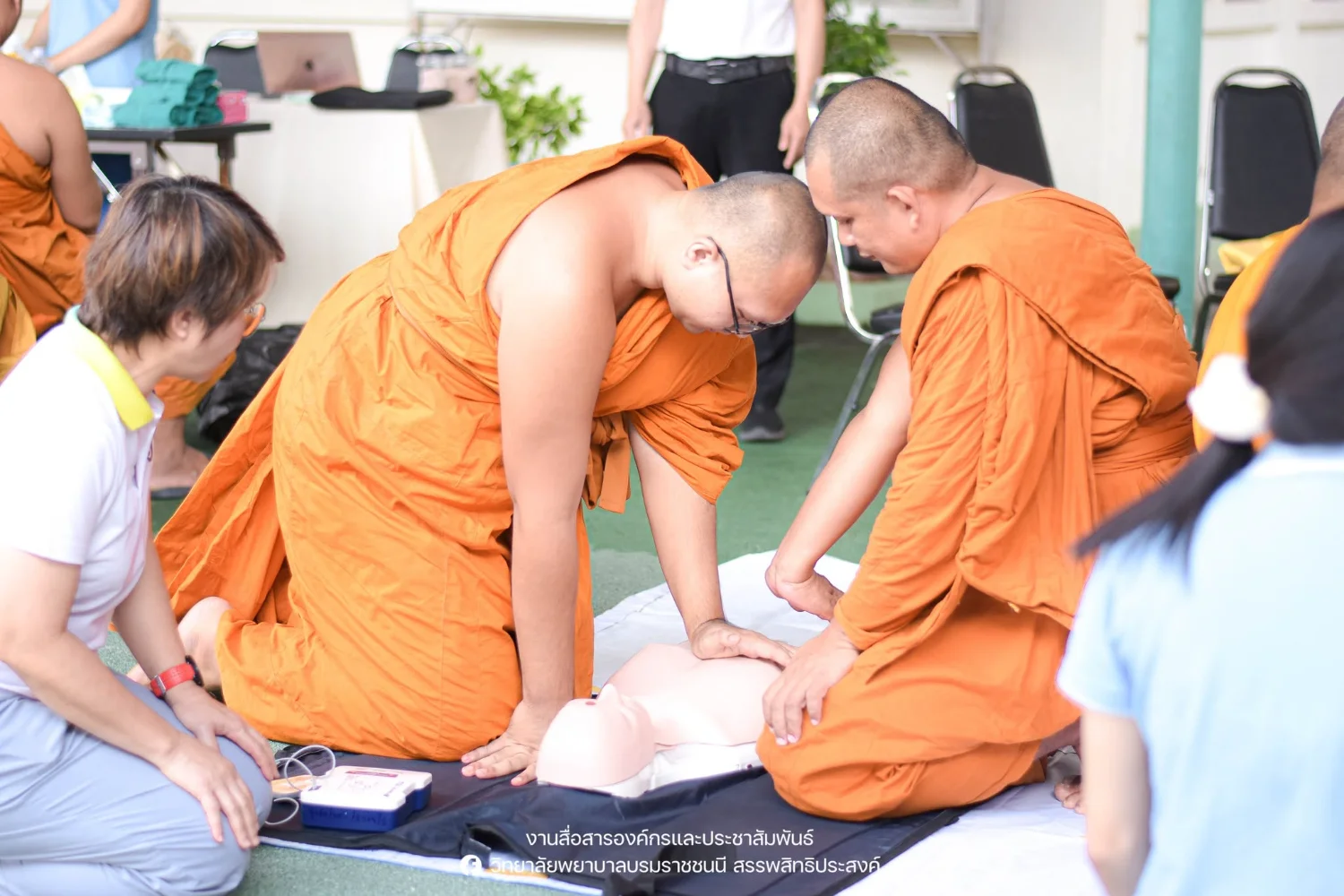
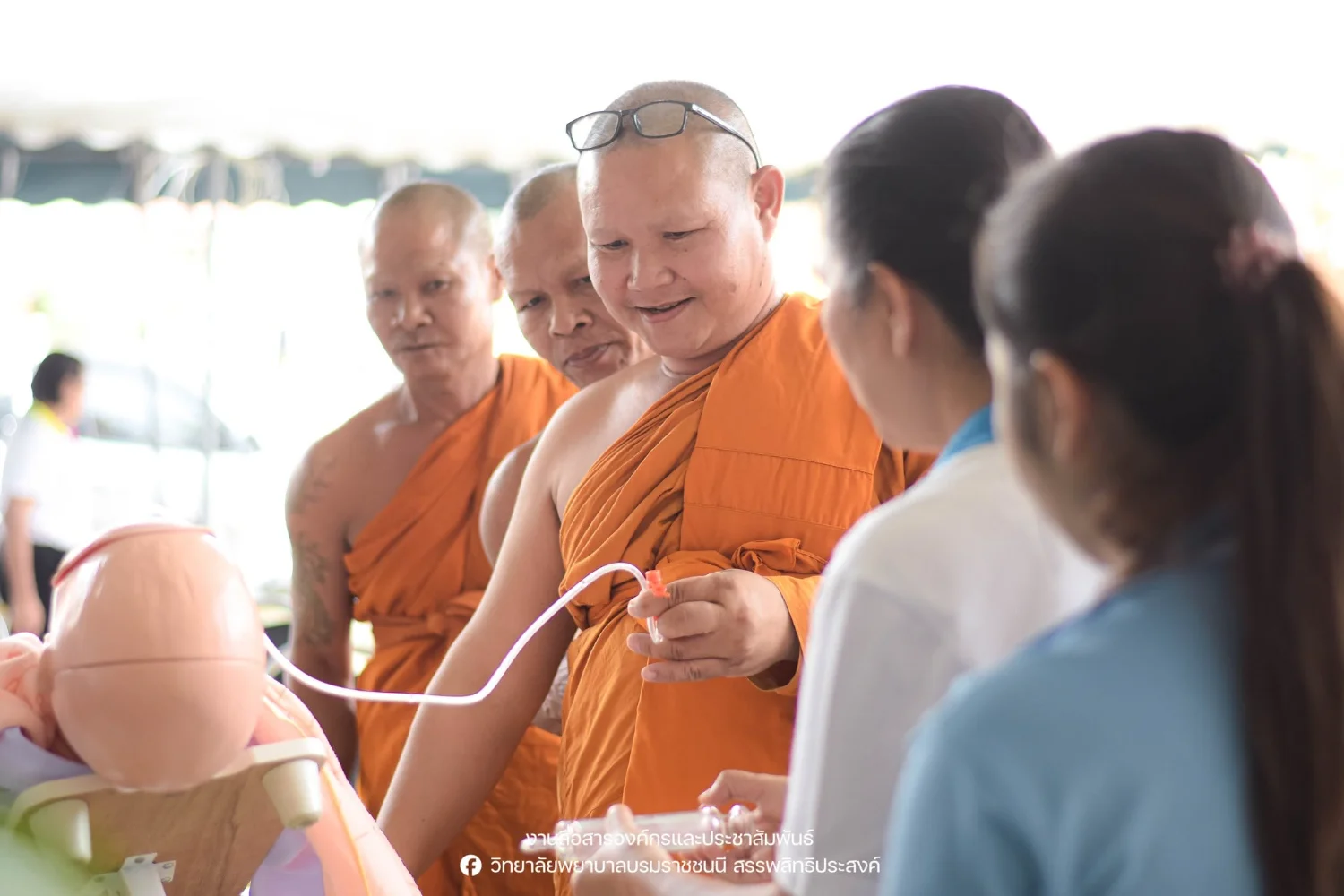
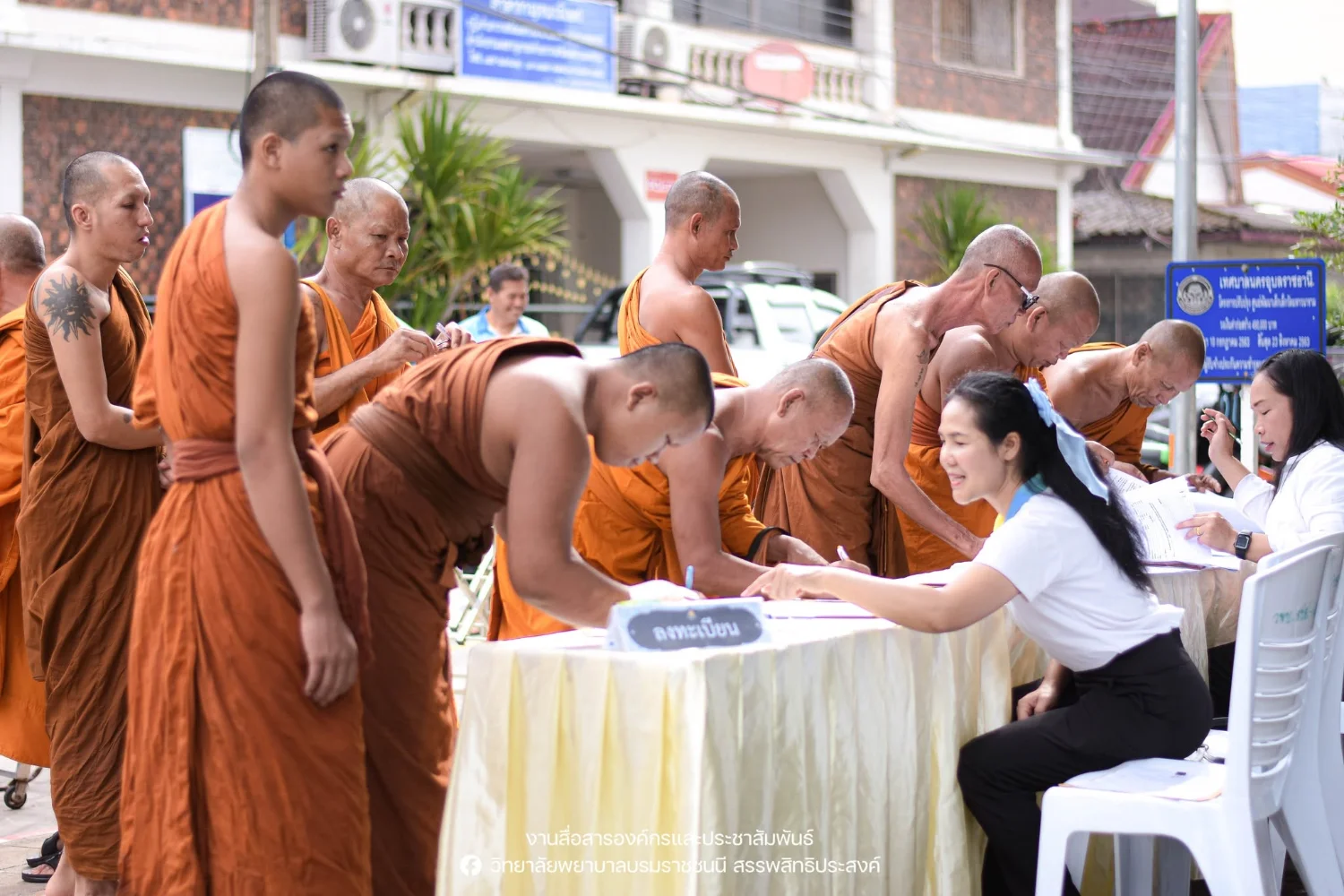
On 16 August 2025, Boromarajonani College of Nursing, Sanpasithiprasong organized the fiscal year 2025 ‘Monk Caregivers: One Temple, One Monk Nationwide’ training project for monks in Ubon Ratchathani. The project honored the 96th birthday, marking eight twelve-year cycles, of His Holiness Somdet Phra Ariyavongsagatanana (Amborn Ambaro), the Supreme Patriarch of Thailand. Training equipped monks with knowledge and skills in health promotion, disease prevention, and basic first aid, including vital-sign measurement, resuscitation, blood glucose testing, wound care, and tube feeding. They also learned to apply the PBRI Model seven-color traffic-light ping-pong tool to health assessment so they could care appropriately for ill monks in accordance with Buddhist teachings and monastic discipline. First aid bags were presented to representatives of participating temples to support care for monks and others when needed. Phra Khru Kosonwihankhun, Ph.D. (Chum Kusalo Phasi), Deputy Ecclesiastical Chief of Mueang Ubon Ratchathani District and Abbot of Wat Klang, offered guidance and a special lecture. Phra Khru Thirathambandit, Assistant Abbot of the royal temple Wat Maha Wanaram and secretary to the Deputy Provincial Ecclesiastical Chief, opened the training. College Director Dr. Nusara Prasertsri reported the objectives and led lecturers, staff, and students in the activity at Wat Maha Wanaram, Mueang District, Ubon Ratchathani. Reported by the college’s Corporate Communications and Public Relations Unit.
Cookies help us provide a better and more convenient browsing experience. By selecting “Accept”, you agree to our use of cookies as described in our Website Policy
and Cookies Policy.
Browser preferences
Cookie Settings
What are cookies?
Small files that help websites remember your preferences. You can review or change how your browser handles them at any time.
Choose your browser to view the instructions
Google Chrome
Manage your cookie preferences
5 steps
Step 1
Open Chrome on your computer.
Step 2
Select the three-dot menu, then choose Settings.
Step 3
Open Privacy and security.
Step 4
Select Third-party cookies.
Step 5
Choose the option that matches your preference.
Microsoft Edge
Manage your cookie preferences
5 steps
Step 1
Open Microsoft Edge on your computer.
Step 2
Select the three-dot menu, then choose Settings.
Step 3
Open Cookies and site permissions.
Step 4
Select Manage and delete cookies and site data.
Step 5
Turn your preferred cookie options on or off.
Mozilla Firefox
Manage your cookie preferences
5 steps
Step 1
Open Firefox on your computer.
Step 2
Select the menu button, then choose Settings.
Step 3
Open Privacy & Security.
Step 4
Go to Cookies and Site Data.
Step 5
Clear data, manage data, or change permissions as needed.
Apple Safari
Manage your cookie preferences
3 steps
Step 1
Open Safari and select Settings.
Step 2
Select the Privacy tab.
Step 3
Choose your website tracking and cookie preferences.
i Browser menus may vary slightly depending on your browser version and device.


 The Nine Doctors pathway from medical training to community care317