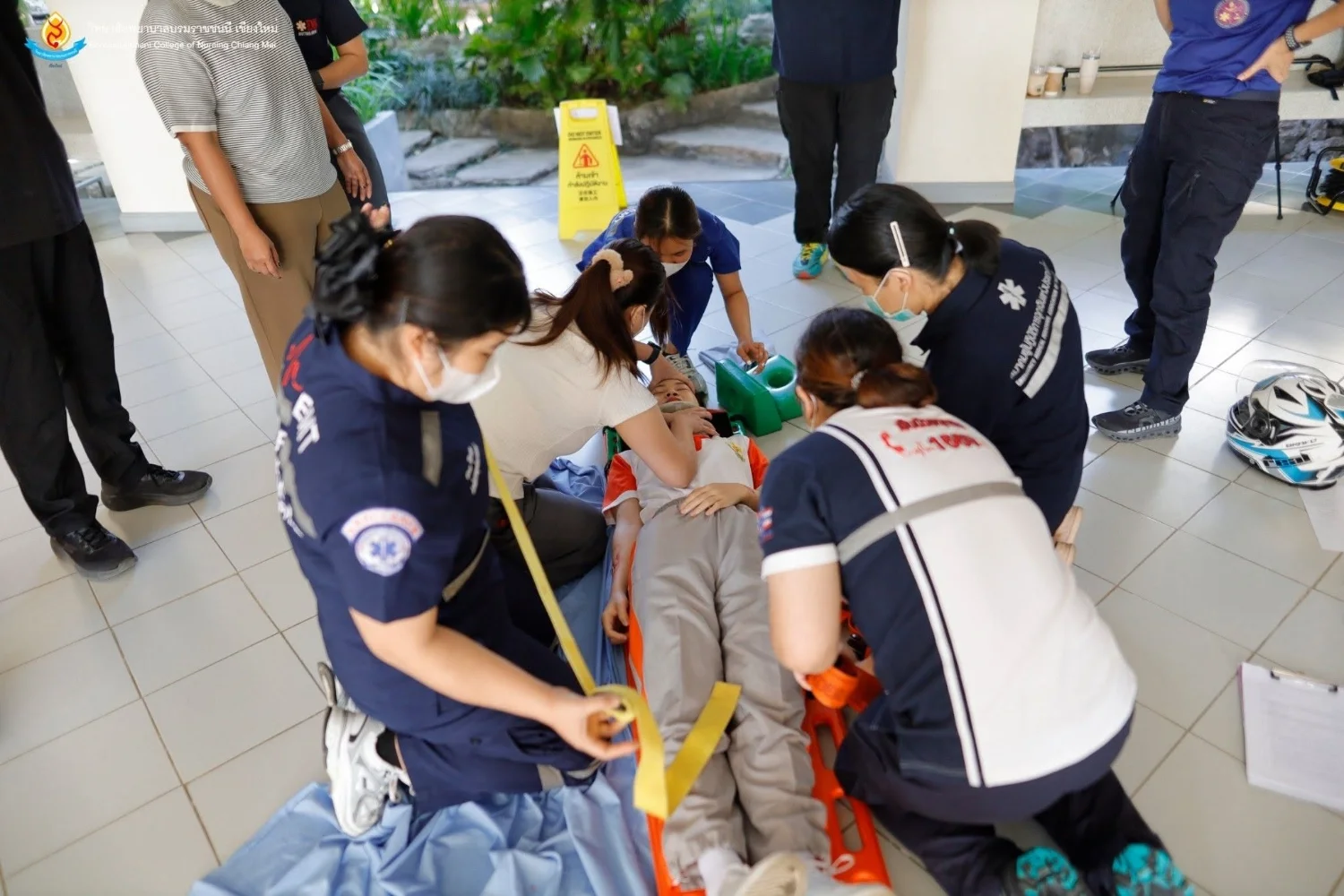
BCNC and Sirindhorn College of Public Health, Yala Train Emergency Medical Technicians for Certification Transition
26 October 20260 views
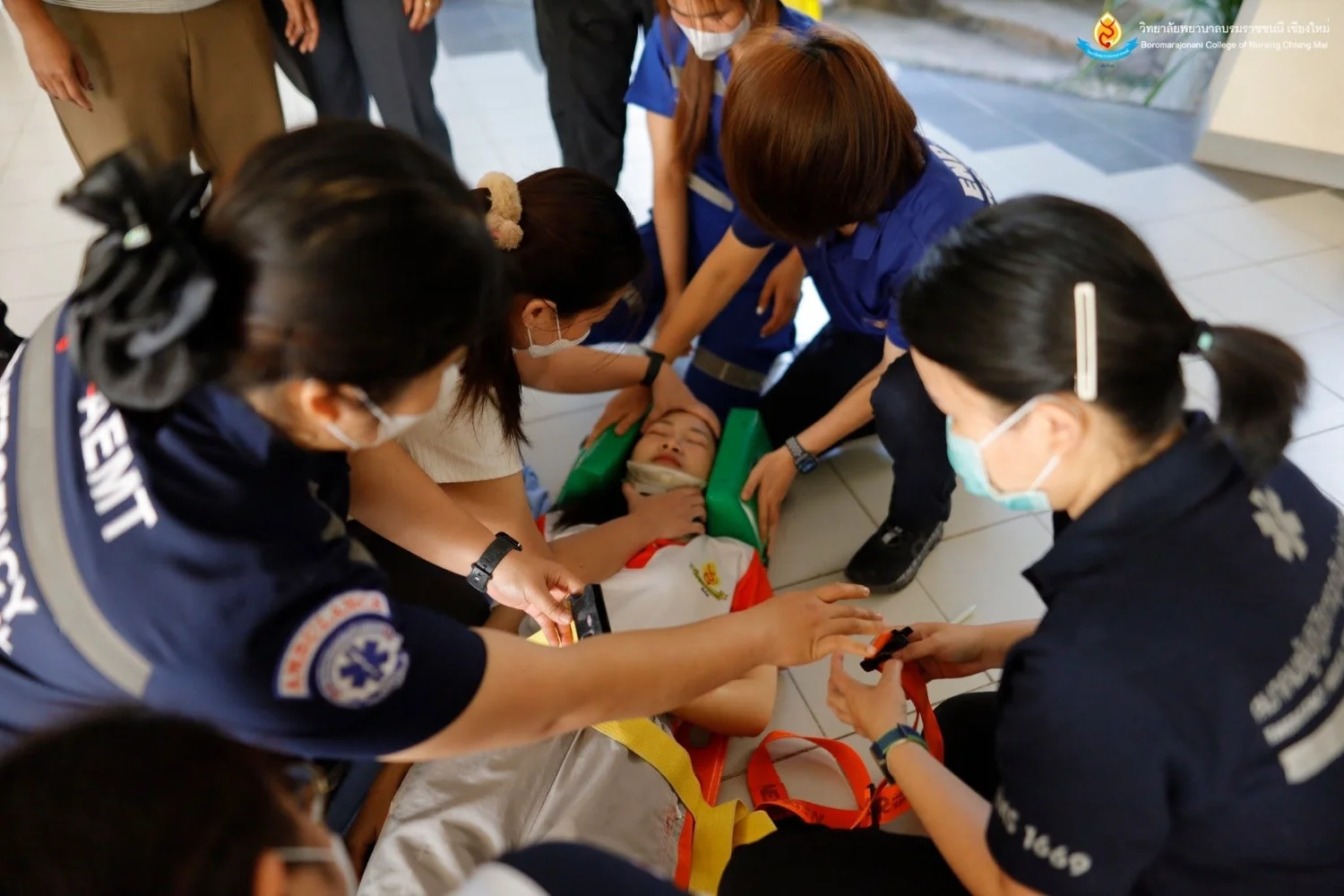
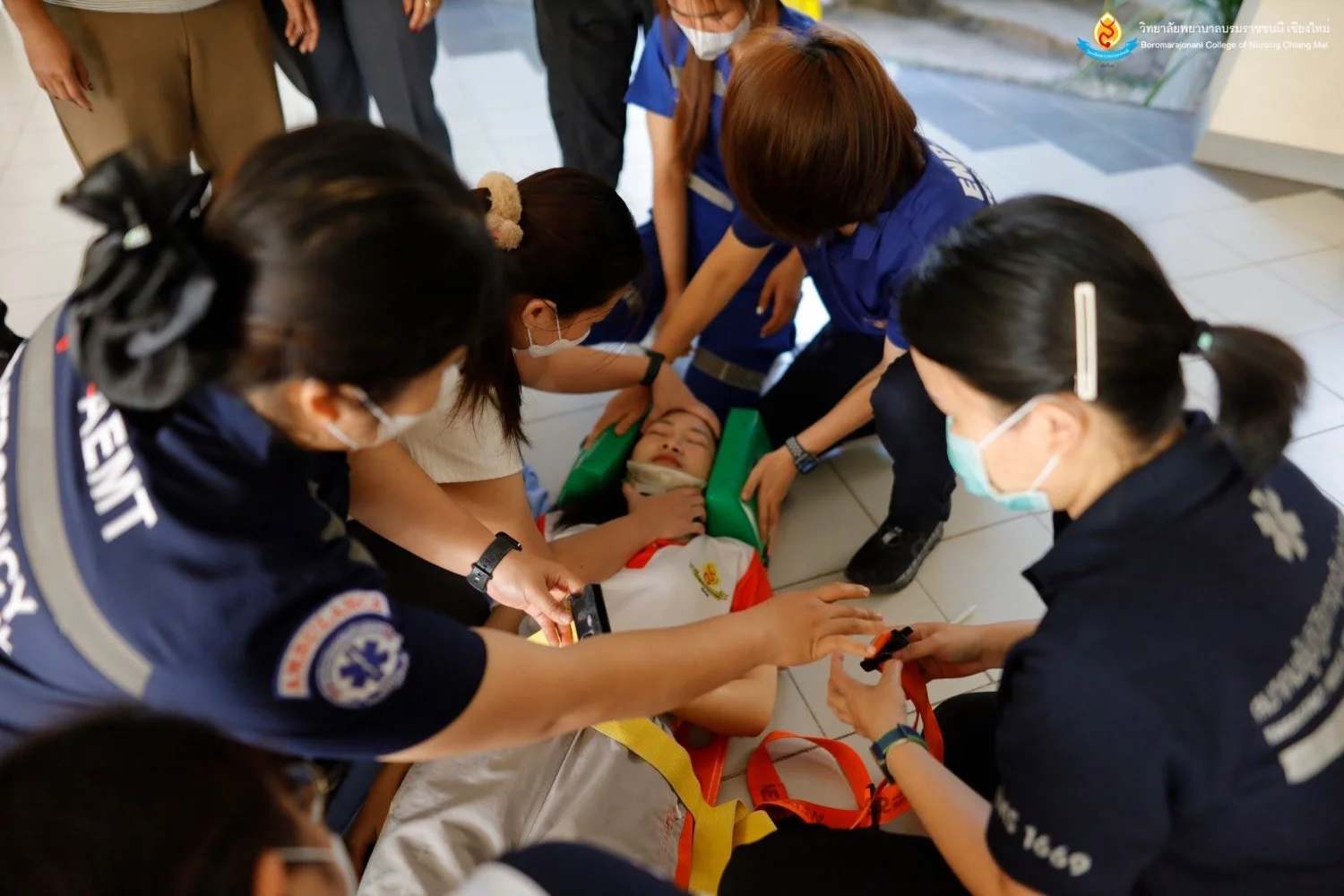
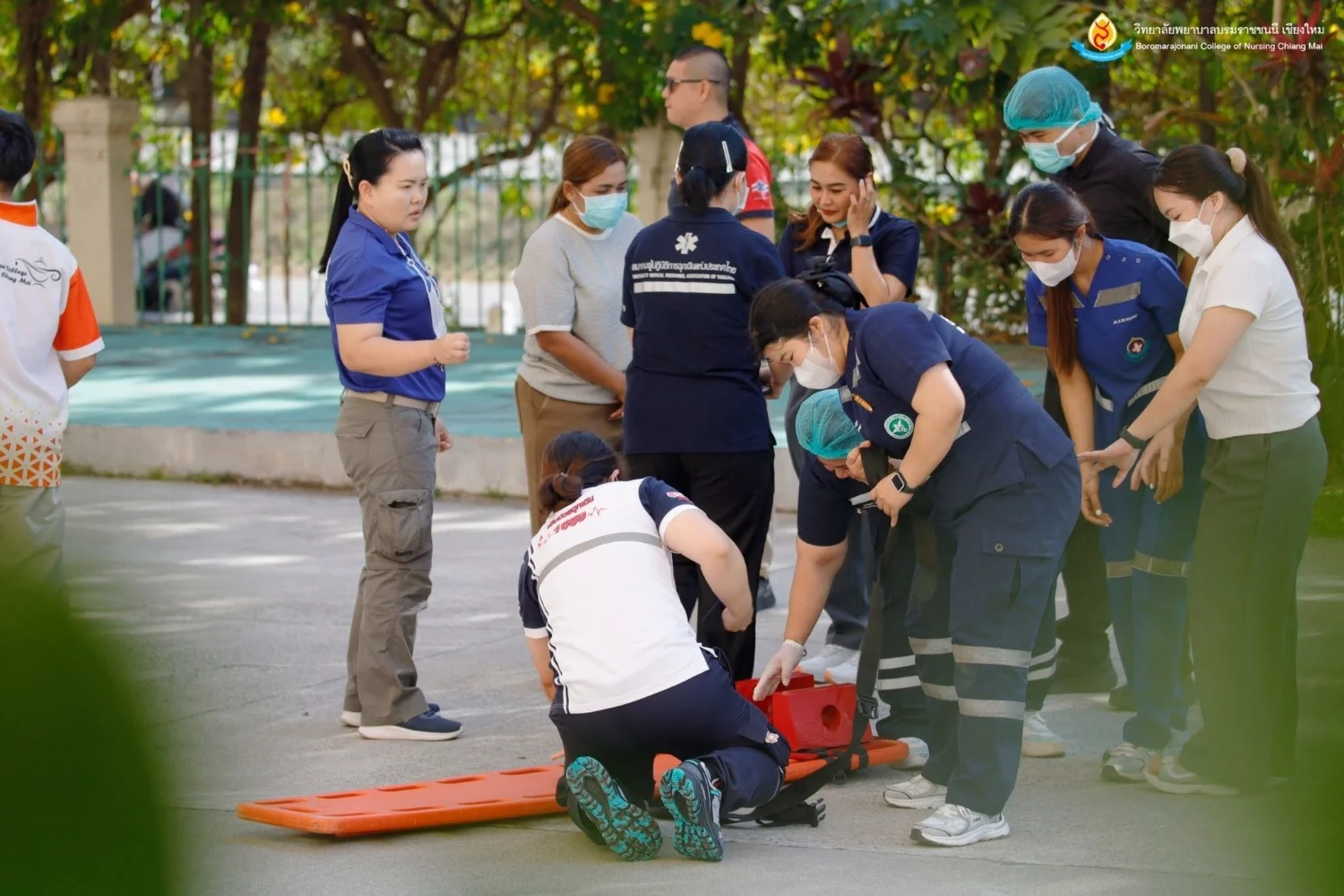
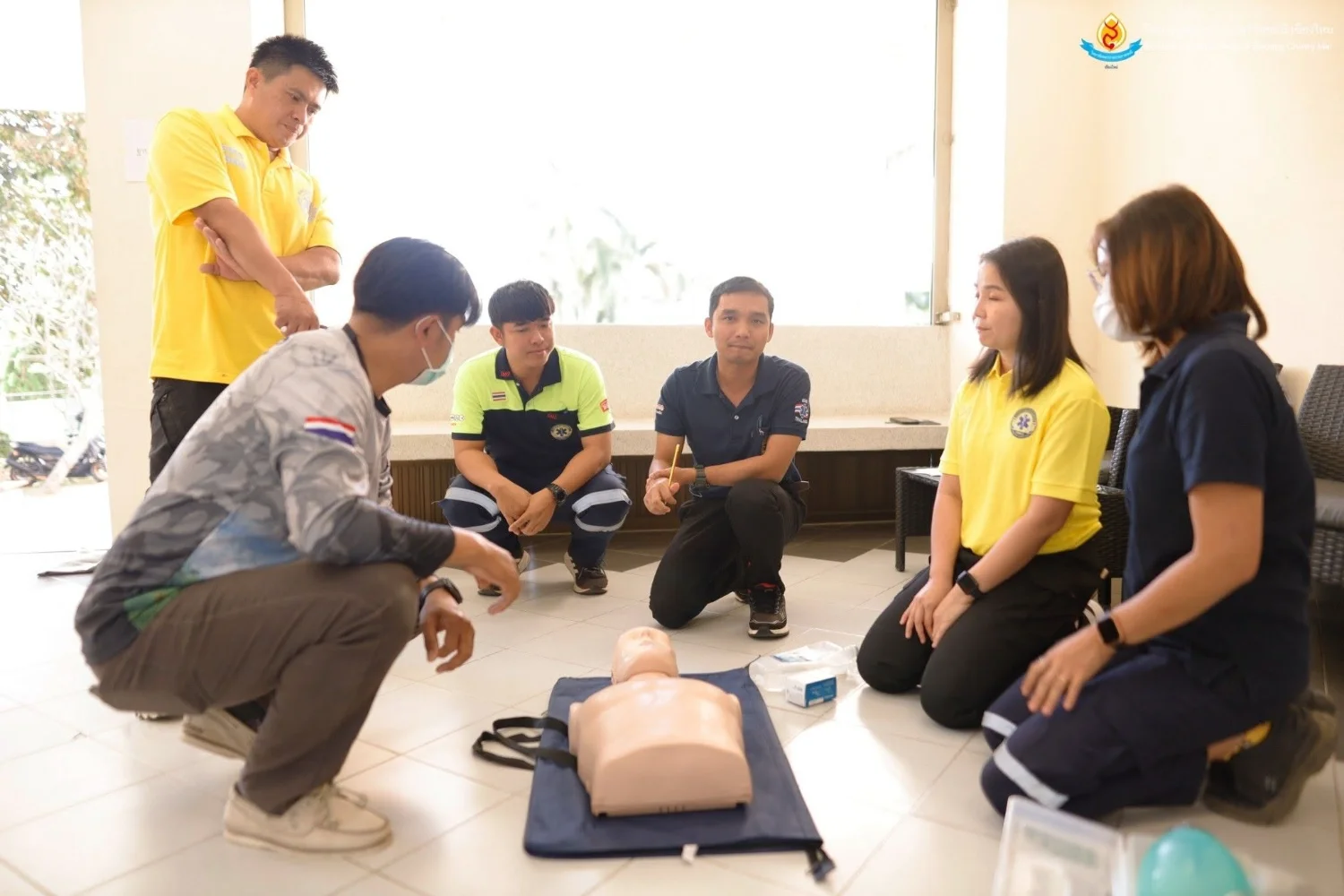
On 1 February 2025, the Academic Services and Learning Center of Boromarajonani College of Nursing, Chiang Mai, Faculty of Nursing, Praboromarajchanok Institute, Ministry of Public Health, reported its collaboration with Sirindhorn College of Public Health, Yala, Faculty of Public Health, Praboromarajchanok Institute, on continuing emergency medical education for emergency medical technician certificate renewal. The first cohort supported the transition from personnel operating under the former regulations to the new regulations. Identified in the source as a fiscal year 2024 program, it ran from 30 January–1 February 2025 at the college in Don Kaeo Subdistrict, Mae Rim District, Chiang Mai, with 49 trainees. From 9:00 a.m.–noon, practical training covered cardiac arrest, basic life support, and assisting advanced medical teams with resuscitation for adults, children, and infants through five stations: 1) CPR and AED, led by Kanitson Somprasong and Natthaphat Saengsak; 2) trauma assessment, led by Thawatchai Prasat and lecturer Pishet Sasow; 3) medical assessment, led by Sunisa Chantakong and Asst. Prof. Kesaraporn Choopun; 4) helmet removal and patient packaging, led by Phairin Moonrin and Thanon Lirasawatiamphon; and 5) rapid extrication, led by Jirapha Khamsaen and Thanon Lirasawatiamphon. The training developed the academic knowledge and skills needed to perform basic emergency care and assist with designated advanced procedures effectively, within the authority, responsibilities, scope, and limitations of emergency medical technicians acting under medical orders or direction. From 1:00–2:00 p.m., Director Asst. Prof. Dr. Amavasee Ampansirirat presented certificates and presided over the closing ceremony.
Cookies help us provide a better and more convenient browsing experience. By selecting “Accept”, you agree to our use of cookies as described in our Website Policy
and Cookies Policy.
Browser preferences
Cookie Settings
What are cookies?
Small files that help websites remember your preferences. You can review or change how your browser handles them at any time.
Choose your browser to view the instructions
Google Chrome
Manage your cookie preferences
5 steps
Step 1
Open Chrome on your computer.
Step 2
Select the three-dot menu, then choose Settings.
Step 3
Open Privacy and security.
Step 4
Select Third-party cookies.
Step 5
Choose the option that matches your preference.
Microsoft Edge
Manage your cookie preferences
5 steps
Step 1
Open Microsoft Edge on your computer.
Step 2
Select the three-dot menu, then choose Settings.
Step 3
Open Cookies and site permissions.
Step 4
Select Manage and delete cookies and site data.
Step 5
Turn your preferred cookie options on or off.
Mozilla Firefox
Manage your cookie preferences
5 steps
Step 1
Open Firefox on your computer.
Step 2
Select the menu button, then choose Settings.
Step 3
Open Privacy & Security.
Step 4
Go to Cookies and Site Data.
Step 5
Clear data, manage data, or change permissions as needed.
Apple Safari
Manage your cookie preferences
3 steps
Step 1
Open Safari and select Settings.
Step 2
Select the Privacy tab.
Step 3
Choose your website tracking and cookie preferences.
i Browser menus may vary slightly depending on your browser version and device.


 The Nine Doctors pathway from medical training to community care317