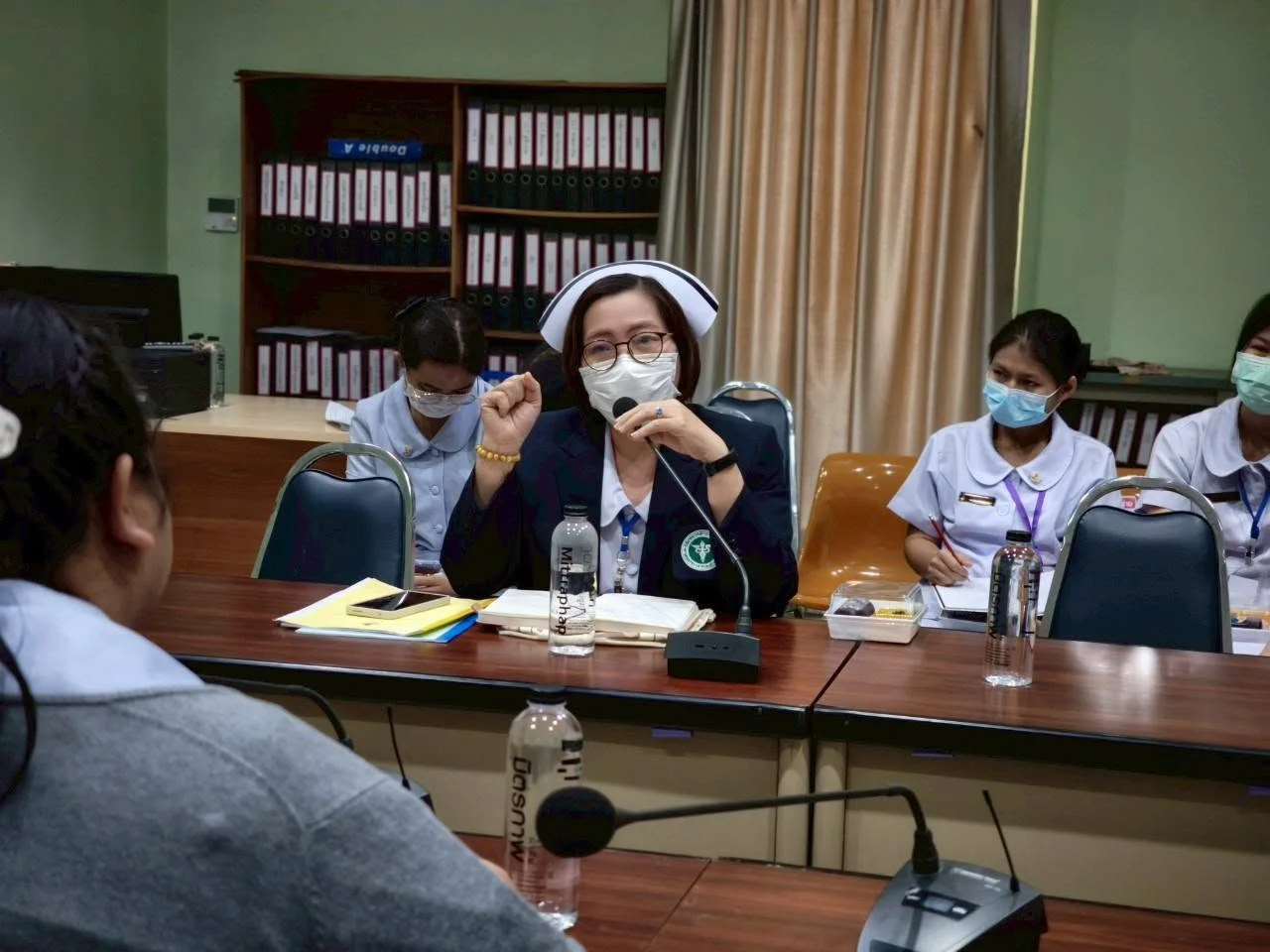
BCNC Supervises Practical Nursing Students at Mae Sariang Hospital
26 October 20260 views
On 28 March 2025, the Practical Nursing Program of the Academic Services and Learning Center, Boromarajonani College of Nursing, Chiang Mai, conducted a supervision visit for practical nursing students at Mae Sariang Hospital, Mae Hong Son. The team was led by Nutcharin Phanbunpluk, the program coordinator, together with Oranong Phakphitcharoen, Wasita Yala, and Wanicha Yala, lecturers responsible for theoretical and laboratory instruction. They visited students training in the female medical, male medical, male surgical, and female surgical wards. The visit assessed and monitored patient care skills and compliance with medical and nursing procedures and provided advice and guidance to develop clinical skills in real situations. Clinical mentors at Mae Sariang Hospital and the college’s teaching team supported the visit, helping trainees gain confidence, prepare for workplace responsibilities, and provide effective patient care. This supervision is an important part of developing practical nursing students’ competencies and improving medical and nursing education standards to prepare high-quality nursing personnel for the future.
Cookies help us provide a better and more convenient browsing experience. By selecting “Accept”, you agree to our use of cookies as described in our Website Policy
and Cookies Policy.
Browser preferences
Cookie Settings
What are cookies?
Small files that help websites remember your preferences. You can review or change how your browser handles them at any time.
Choose your browser to view the instructions
Google Chrome
Manage your cookie preferences
5 steps
Step 1
Open Chrome on your computer.
Step 2
Select the three-dot menu, then choose Settings.
Step 3
Open Privacy and security.
Step 4
Select Third-party cookies.
Step 5
Choose the option that matches your preference.
Microsoft Edge
Manage your cookie preferences
5 steps
Step 1
Open Microsoft Edge on your computer.
Step 2
Select the three-dot menu, then choose Settings.
Step 3
Open Cookies and site permissions.
Step 4
Select Manage and delete cookies and site data.
Step 5
Turn your preferred cookie options on or off.
Mozilla Firefox
Manage your cookie preferences
5 steps
Step 1
Open Firefox on your computer.
Step 2
Select the menu button, then choose Settings.
Step 3
Open Privacy & Security.
Step 4
Go to Cookies and Site Data.
Step 5
Clear data, manage data, or change permissions as needed.
Apple Safari
Manage your cookie preferences
3 steps
Step 1
Open Safari and select Settings.
Step 2
Select the Privacy tab.
Step 3
Choose your website tracking and cookie preferences.
i Browser menus may vary slightly depending on your browser version and device.


 The Nine Doctors pathway from medical training to community care317