Prachomklao Nursing Students Apply the PBRI Model in Thong Chai Village 4
15 December 20250 views
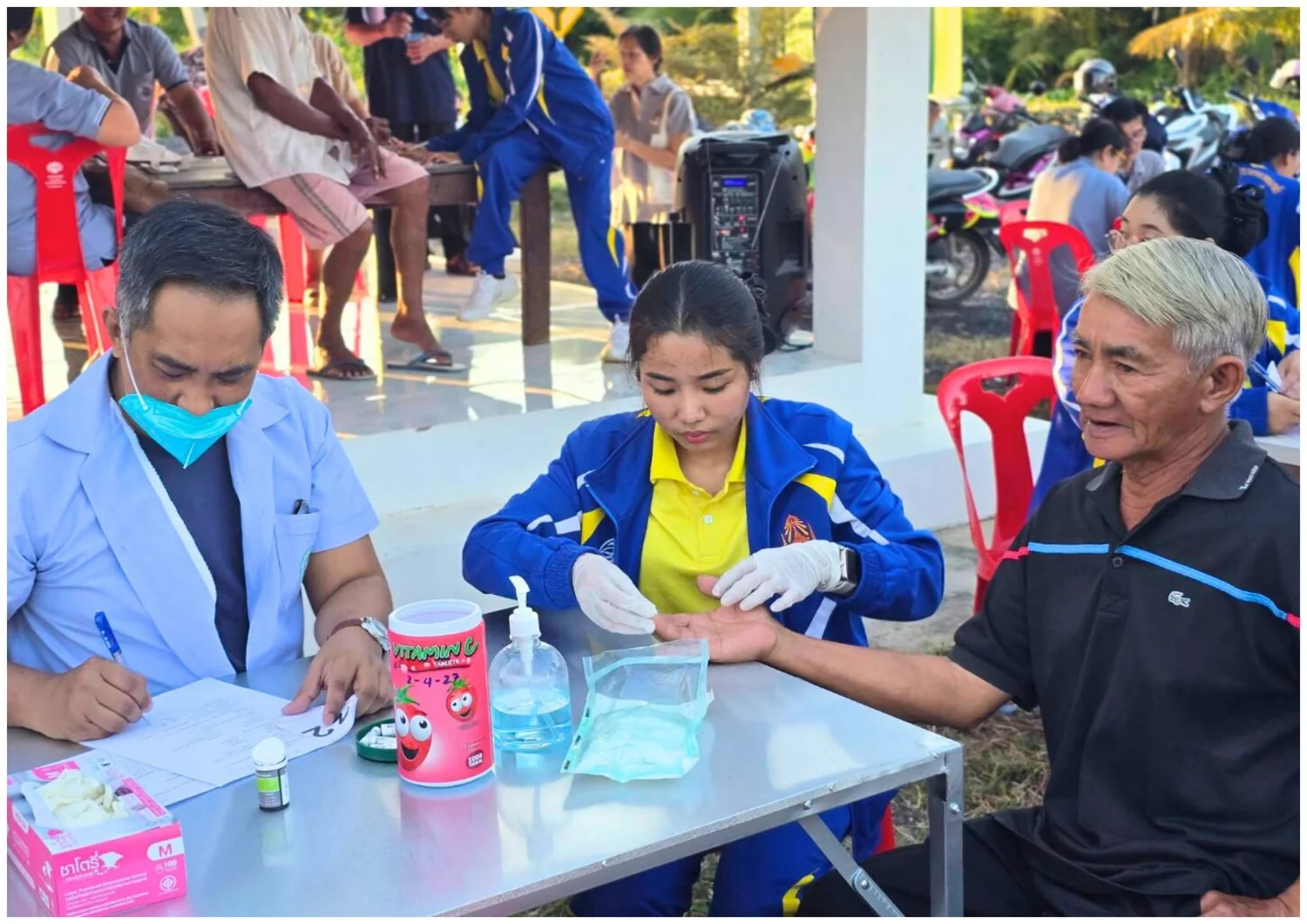
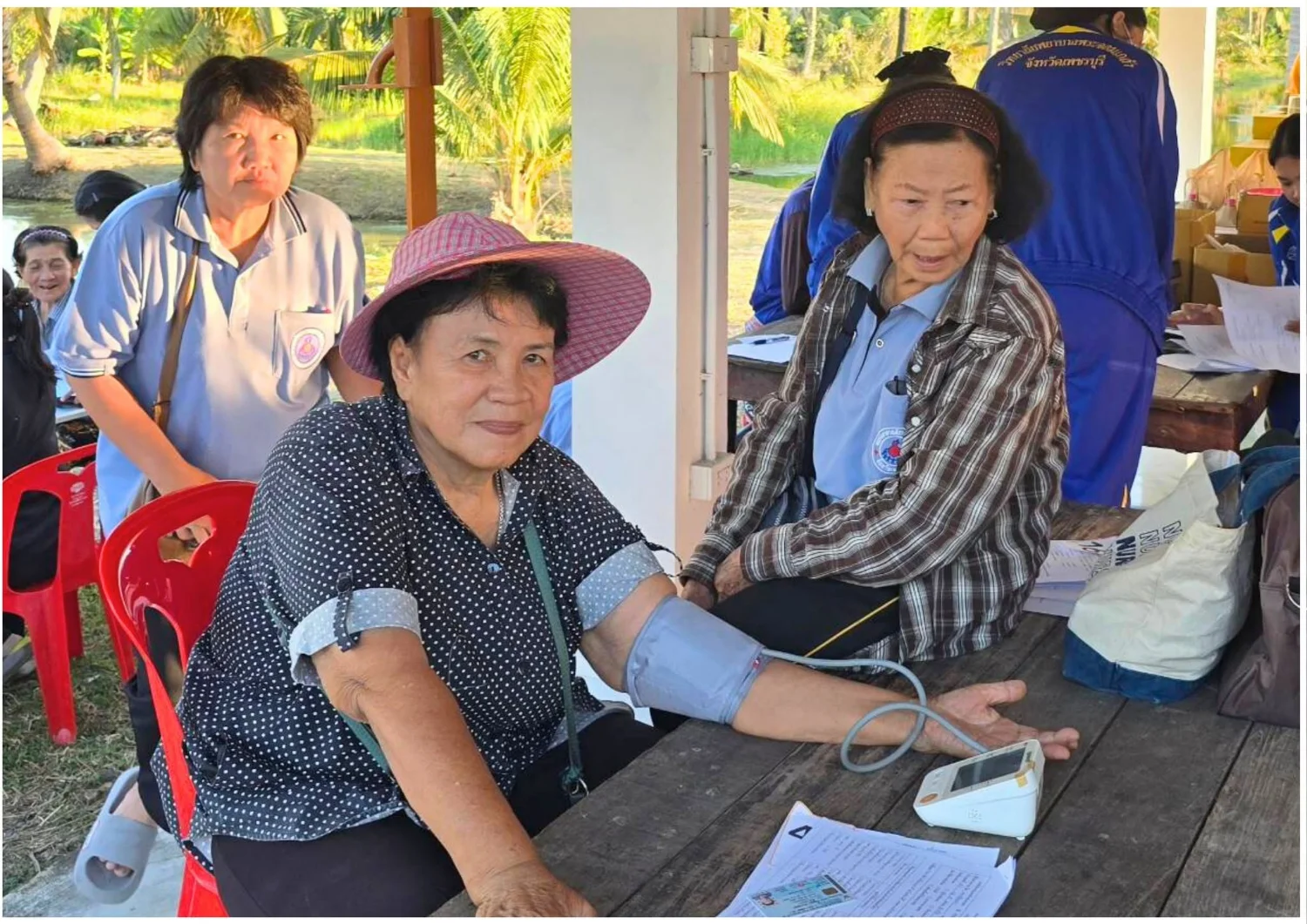
On Monday, 15 December 2025, Asst. Prof. Dr. Panisara Songwatthanayuth, Deputy Director for Administration and Strategy at Prachomklao College of Nursing, Phetchaburi Province, together with lecturer Komson Kaewraya and second-year nursing students in Adult and Older Adult Nursing I, provided health screening for residents of Village 4, Thong Chai Subdistrict, Mueang District, Phetchaburi. Working with Thong Chai Subdistrict Health Promoting Hospital and village health volunteers, they measured fingertip blood glucose and blood pressure. They advised residents on PBRI Model-based behavior changes to prevent noncommunicable diseases, particularly diabetes and hypertension. Recommendations included exercise incorporating Phetchaburi folk arts and culture, dietary choices to prevent diabetes and high blood pressure, and stress management. The activity connected theoretical learning with healthy community development.
Cookies help us provide a better and more convenient browsing experience. By selecting “Accept”, you agree to our use of cookies as described in our Website Policy
and Cookies Policy.
Browser preferences
Cookie Settings
What are cookies?
Small files that help websites remember your preferences. You can review or change how your browser handles them at any time.
Choose your browser to view the instructions
Google Chrome
Manage your cookie preferences
5 steps
Step 1
Open Chrome on your computer.
Step 2
Select the three-dot menu, then choose Settings.
Step 3
Open Privacy and security.
Step 4
Select Third-party cookies.
Step 5
Choose the option that matches your preference.
Microsoft Edge
Manage your cookie preferences
5 steps
Step 1
Open Microsoft Edge on your computer.
Step 2
Select the three-dot menu, then choose Settings.
Step 3
Open Cookies and site permissions.
Step 4
Select Manage and delete cookies and site data.
Step 5
Turn your preferred cookie options on or off.
Mozilla Firefox
Manage your cookie preferences
5 steps
Step 1
Open Firefox on your computer.
Step 2
Select the menu button, then choose Settings.
Step 3
Open Privacy & Security.
Step 4
Go to Cookies and Site Data.
Step 5
Clear data, manage data, or change permissions as needed.
Apple Safari
Manage your cookie preferences
3 steps
Step 1
Open Safari and select Settings.
Step 2
Select the Privacy tab.
Step 3
Choose your website tracking and cookie preferences.
i Browser menus may vary slightly depending on your browser version and device.


 The Nine Doctors pathway from medical training to community care317